43 • RADIO 3SIXTY
Spotify Connect
®
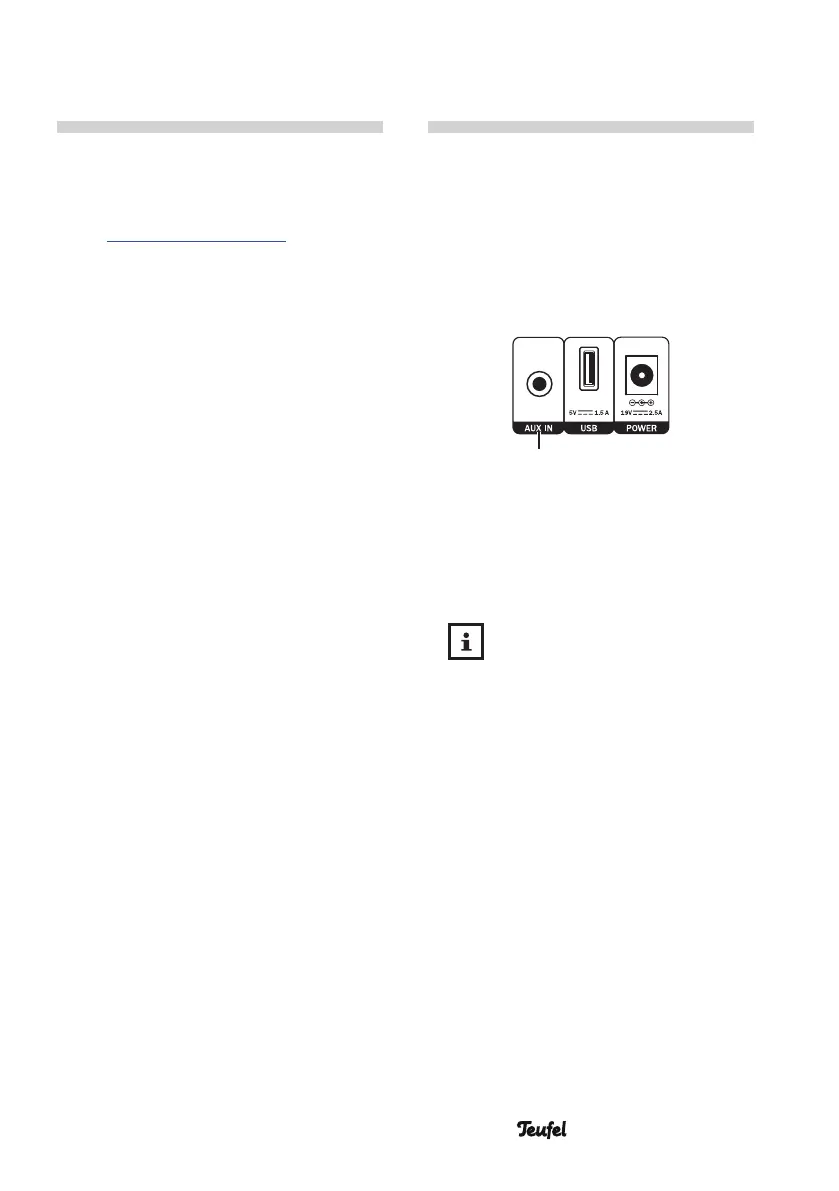
AUX Input
Use your phone, tablet or computer
as a remote control for Spotify
®
.
Go to spotify.com/connect to learn
how.
You can connect a source device
with an analogue line out jack or an
earphone jack (e.g. a CD player or TV
set) to the AUX IN jack (18). You will
need a stereo cable with a 3.5-mm
jack plug to do so.
(18)
Playback
1. Select “AUX in” as the source.
2. Start playback on your external
player.
The volume setting of the
external player affects the
volume of the RADIO 3SIXTY.
3. Control all playback functions via
the external player.


 To Next Page