31 • RADIO 3SIXTY
Internet radio and podcasts
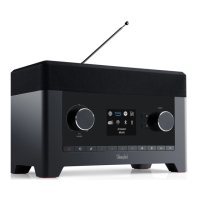
The RADIO 3SIXTY can receive
thousands of radio stations and
podcasts from around the world via
the Internet.
Prerequisite: Wi-Fi connection with
Internet access.
To receive Internet radio, the
RADIO 3SIXTY requests a list of the
available stations from “Frontier
Nuvola Smart Radio”, which has
already been broken down into
different categories (e.g. Pop, Jazz,
Country).
When you select a station, the
RADIO 3SIXTY will directly connect to
the station via the Internet.
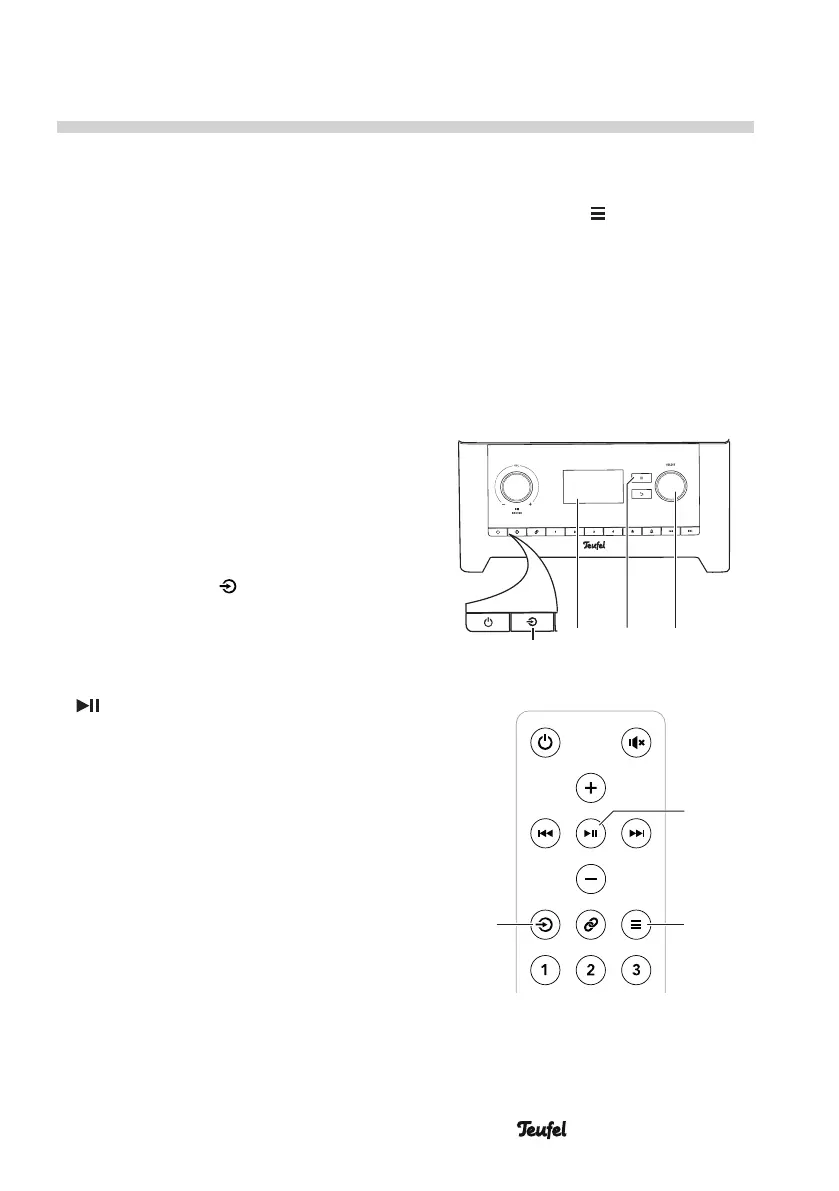
– Push the button (14)/(27)
multiple times until “Internet
radio” or “Podcasts” appears on
the display panel (5) and push the
control SELECT(8) or the button
(22).
– Alternatively, select “Internet radio”
or “Podcasts” in the “Source”
menu.
Selecting stations
– Push the button (7)/(24) to
access the submenu:
Last listened – the last stations
heard are listed here.
Station list/podcast list – you can
find various lists from the portal here.
The portal lists are regularly updated
and can change as a result.
(5)(14) (8)(7)
SELECTBACK
(24)
(27)
(22)


 To Next Page