3 Interface Adapter
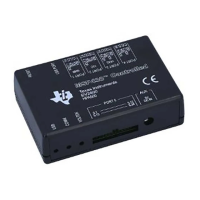
The BQStudio software uses either the on-board USB interface adapter or separate EV2400 interface board to
provide communication with the EVM board from the computer. The on-board interface identifies as an EV2400.
The EV2400 uses operating system drivers and no separate installation is required.
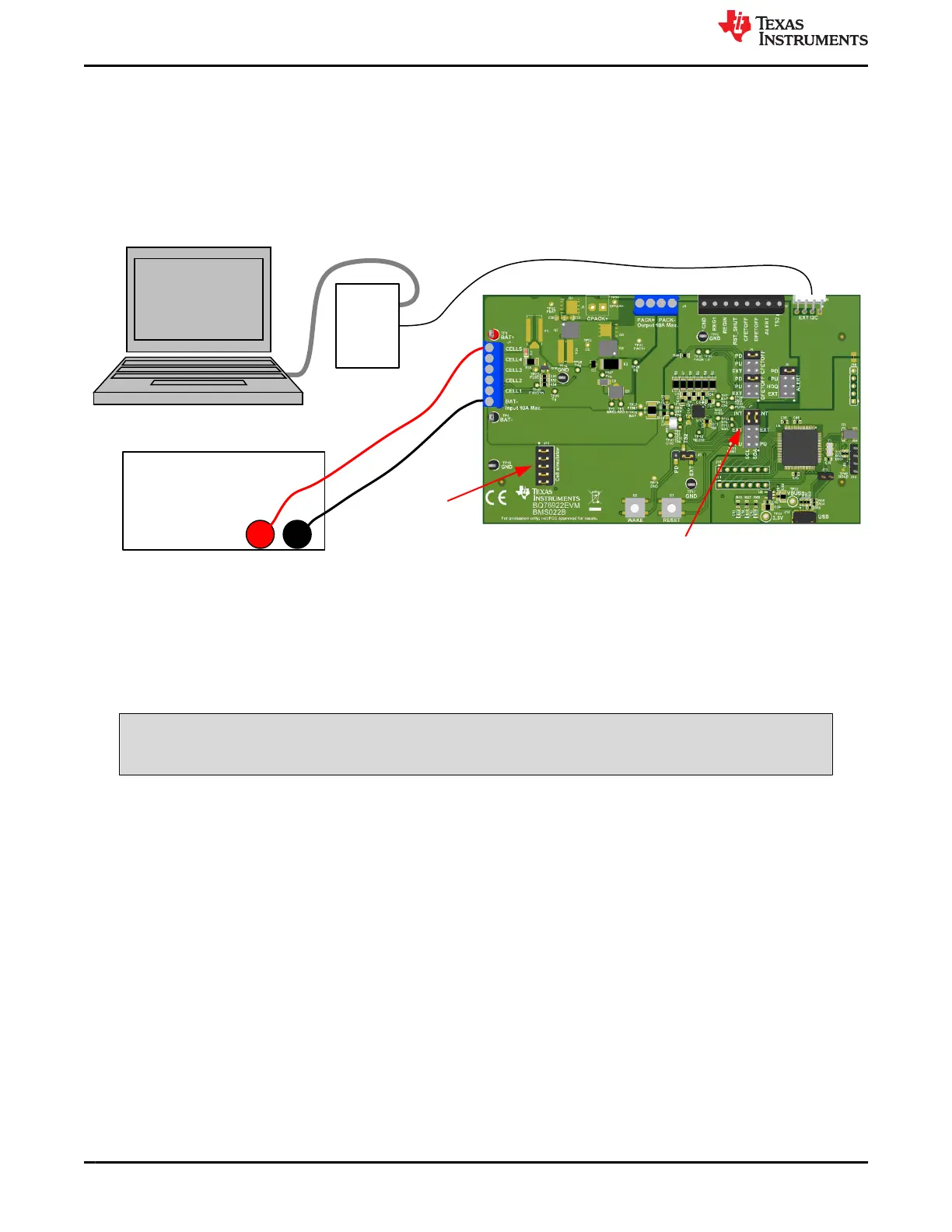
When connecting an external EV2400 change the J7 jumpers on the board from the INT to the EXT position.
Since the external EV2400 provides pull ups, do not install shunts at the PU positions. Figure 3-1 shows an
example of the EVM connected with an external EV2400.
DC Power Supply
+ -
EV2400
I2C
Install cell
simulator shunts
Position shunts to “EXT”
Figure 3-1. EVM Connection with External EV2400
EV2400 versions 0.28 and newer are compatible with the on-board interface. The latest version is
recommended. If updates are available for the on-board interface adapter, they are available from the EV2400
tool folder on the web, www.ti.com/tool/EV2400. Do not install the EV2400 firmware version 0.18 in the on-board
adapter.
The BQ76922 devices are not supported with the older EV2300 interface.
CAUTION
Do not program the on-board adapter with version 0.18 or earlier firmware.
Interface Adapter www.ti.com
6 BQ76922EVM Evaluation Module SLVU957A – SEPTEMBER 2019 – REVISED NOVEMBER 2021
Submit Document Feedback
Copyright © 2021 Texas Instruments Incorporated







 To Next Page