7
Menus
Certain keys display menus: H, %=, %A,
%B, d, vv
, %t, %,
%h, and %{.
Press $and " to scroll and select a menu item, or press the
corresponding number next to the menu item. To return to the
previous screen without selecting the item, press -. To
exit a menu or application and return to the Home screen,
press %s.
The menu chart shows the menu keys and the menus they
display.
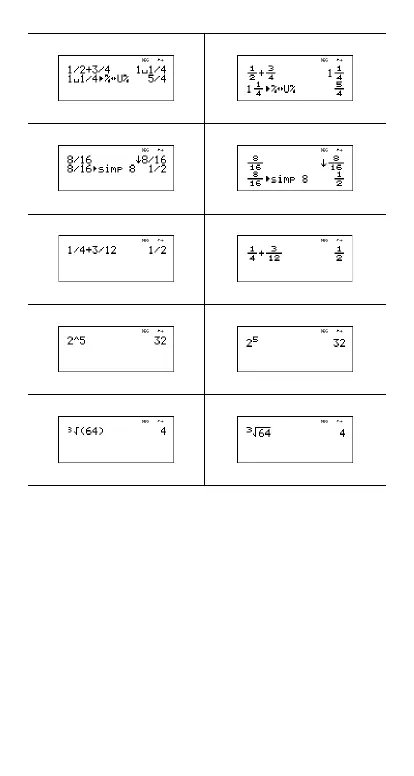
n/d U n/d
Mansimp
Autosimp
Exponent example Exponent example
Cube root example Cube root example



 To Next Page
 Loading...