17
BLEEDING AIR FROM SYSTEM
The following steps must be taken to ensure all air is removed from the system. Incorrect
removal of air may cause the water temperature to vary and may cause an error fault
1. Plumb pipes to the tank unit and the heat pump unit.
2. Push up the lever on the PTR valve to open, and fill the tank unit with water.
3. Confirm that the water comes out of the PTR valve and then close the lever.
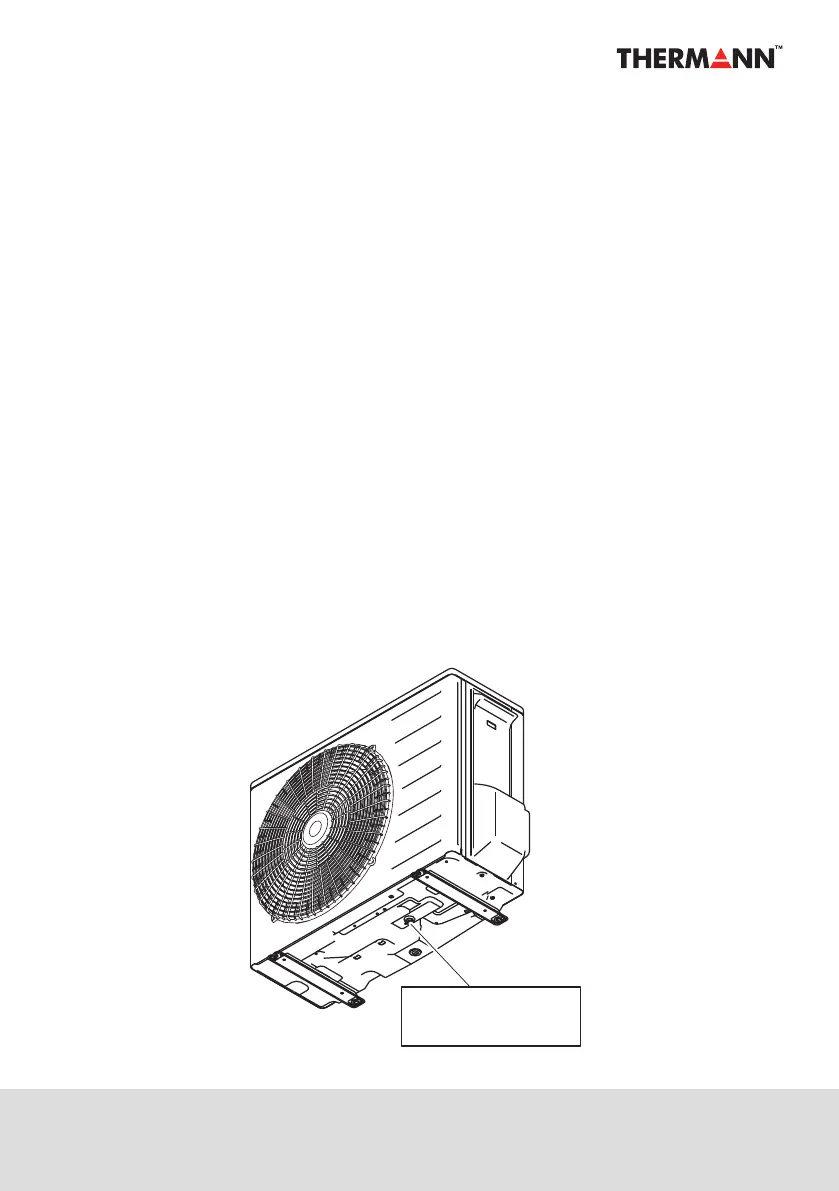
4. Open the water drain plug on the heat pump unit.
5. Close the plug after no air is seen in the water.
6. Supply the power to the heat pump unit.
7. Display shows "1200" then "Clock setting mode" is started with operating "Air Removing
process" at the same time. In case finish time setting or nothing is operated for 1 minute,
"Clock setting mode" is terminated and "APon" will be displayed on the monitor.
8. "Air Removing process" will be done in 5 minutes.
9. Once it's finished, current time will be shown on monitor.
10. Open the hot water faucets in the home to remove air.
11. Close the hot water faucets in the home after no air is seen in the water.
Note: If air removing mode is not completed, the system will not start the heating cycle.
Open
the drain plug


 To Next Page