Parameter Description
DURING
COOLING
Choose between the following modes: AUTO, OPEN or CLOSED
CONSTANT
TEMP
The temperature that the shunt wishes to retrieve from the buffer tank and distribute to the
house. Only applies when the buffer tank is activated and with shunt group connected.
SETBACK
TEMP
The temperature that will apply at temperature setback controlled from the CALENDAR
menu.
ROOM FAC-
TOR
Only displayed if an accessory Room temperature sensor is installed. Determines how great
an impact the room temperature is to have when calculating the supply temperature. For
under floor heating it is recommended that ROOM FACTOR is set to 1, 2 or 3. For radiator
heating it is recommended that ROOM FACTOR is set to 2, 3 or 4. Impact: 0 = no impact, 4 =
large impact.
High temperatures in an underfloor heating
system can damage parquet floors.
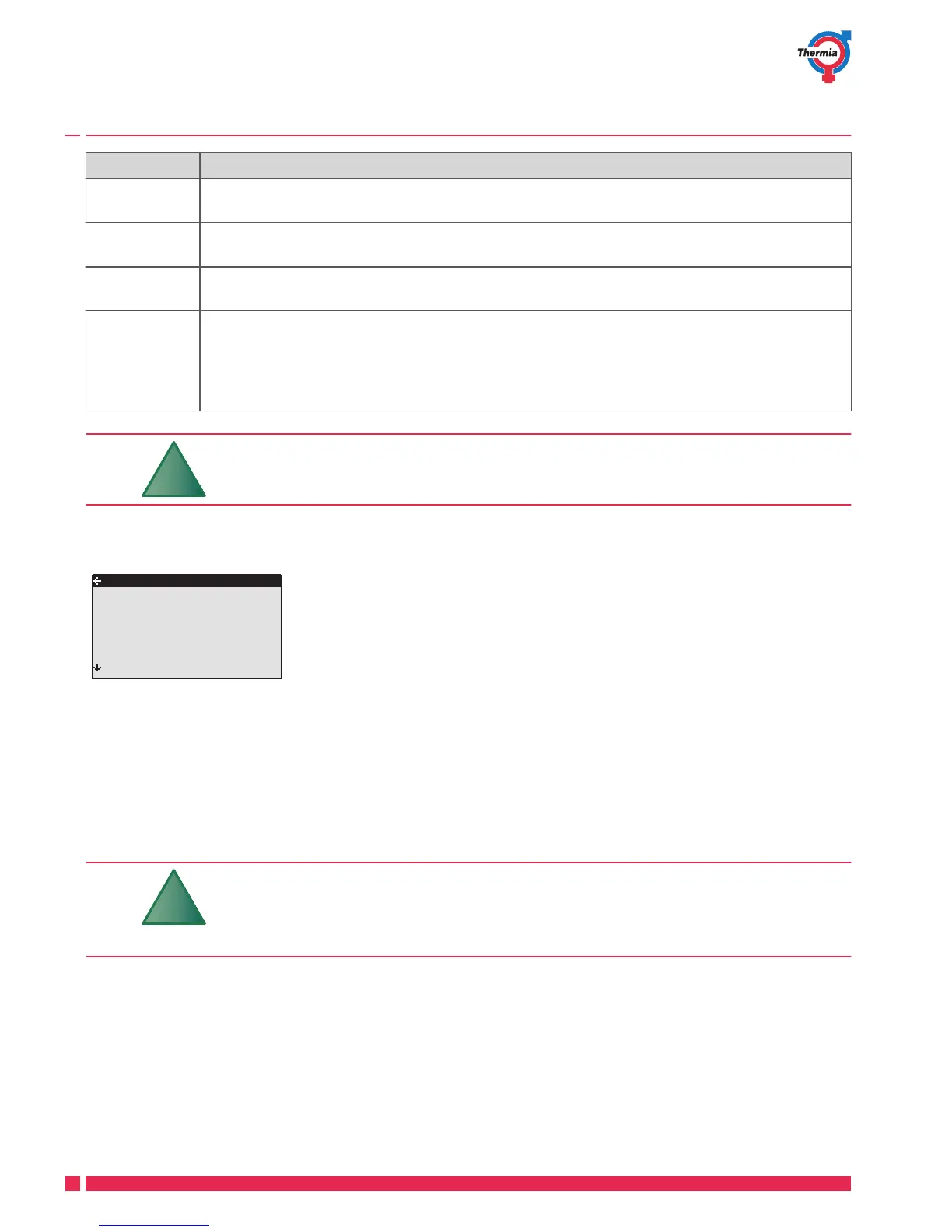
Adjust the heat curve in the HEATING sub-menu as follows:
HEATING
CURVE
MIN
MAX
CURVE +5
CURVE -5
CURVE 0
HEAT STOP
40˚C
10˚C
55˚C
0˚C
0˚C
0˚C
17˚C
1. Open the HEATING sub-menu in the INFORMATION menu
2. Mark desired parameter using + or – button.
3. Open the parameter by pressing the right button once.
4. Raise or reduce the value with the + or - button.
5. Press the left button three times.
Adjusting ROOM values
The heat curve and therefore the indoor temperature can be affected by changing the "ROOM" value. If the
ROOM value is used to affect the system’s heat curve, the heat curve does not become steeper or flatter, which
the curve becomes if the CURVE value changes, instead the entire heat curve is moved by 3°C for every degree
change of the ROOM value.
For a temporary increase or reduction of the
indoor temperature, adjust the ROOM value
instead.
Change the ROOM value as follows:
1. Press either the + or - button once to open and change the ROOM value.
2. Raise or reduce the ROOM value using the + or - buttons to change the indoor temperature.
3. Wait ten seconds or press the left button once to exit the menu.
User Guide iTec
VUJSI102 Thermia Värmepumpar
18





 To Next Page