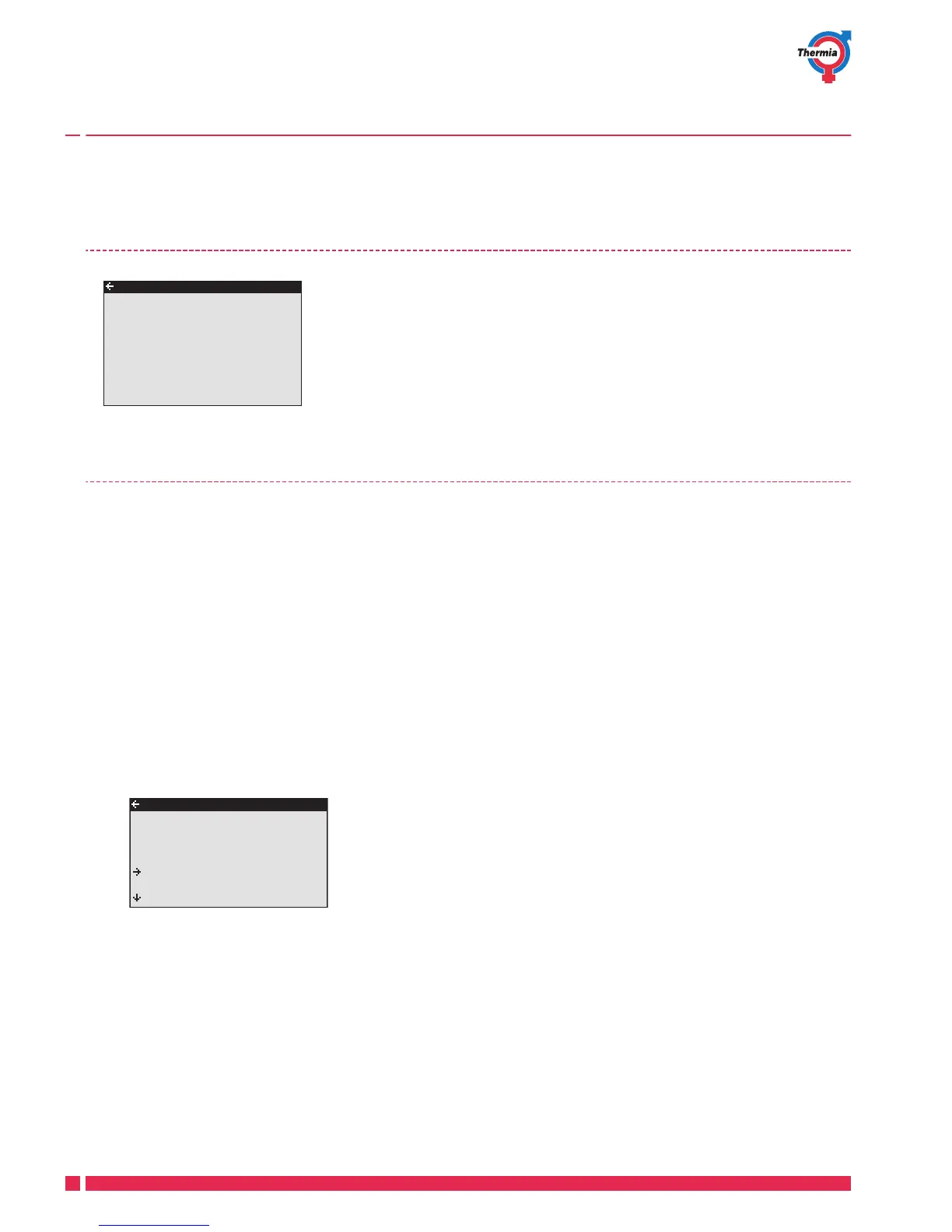
If ROOM shows 20°C the heat curve is unaffected. If ROOM shows higher or lower, this indicates that the heat
curve has been adjusted up or down.
5.7 Reading the operating time
COMPRESSOR shows the total time in hours that the heat pump has been
in operation since installation. HEATING and COOLING shows the time the
heat pump has been producing heat and cooling. IMM. HEAT 1, 2 and 3 re-
fer to the immersion heater and its different power stages.
5.8 Calendar
The following functions can be controlled via calendar:
▪
Blocking hot water production
▪
Stopping the heat pump at high energy tariff (EVU)
▪
Reducing the noise of the fan (gives reduced performance)
▪
Reducing the temperature in the heating and distribution circuits.
Do as follows:
1. Select which function is to be controlled
2. Select a CALENDAR SETTING (up to 8 can be selected for each function)
3. Select the menu TIME FUNCTION if the function should be over a continuous time period (DATE) or be
recurring (DAYS / WEEK).
4. Select start and stop times and date and weekdays in the TIME SETTING menu.





 To Next Page