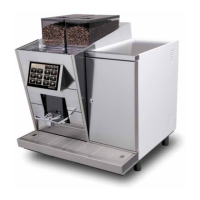
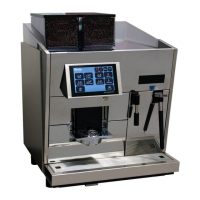
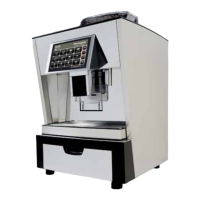
3.2 Troubleshooting on touch screen
3. Touchscreen FOX
Step 4
Perform a touch panel test in the service menu „System Check“ to check the reaction time
Zum Verlassen Touch 2s berühren
to leave, press and hold for 2s
Step 5
Communication control CPU <--> FOX-Print by LEDs.
LEDs must be blinking on both CPU and FOX-Print!
If the LEDs do not blink (LEDs are marked in section „3.3 Overview FOX-Print“ and „3.4 Overview CPU“), but are out
of action or glow permanently, follow these steps:
• Switch off machine
• Plug out connection cable (see section „3.3 Overview FOX-Print“ and „3.4 Overview CPU“)
CAUTION: The machine must be turned off at the main switch before plugging the connection cable in or out. Else
there can be discharges on the electronincs, which can cause errors like in section „3.1 Possible problems with the
touchscreen“.
• Control the contacts on both: CPU and FOX-Print
• Plug connection cable back in
• Switch machine back on and check LEDs
• If there is still no connection repeat this step using a new connection cable
• If this action does not solve the problem, proceed with step 6
Step 6
• Switch off machine
• Change the FOX-Print
• Reconnect all cables and switch machine back on
• If this action does not solve the problem, proceed with step 7
Step 7
• Switch off machine
• Change the CPU
• Reconnect all cables and switch machine back on


 To Next Page
 Loading...