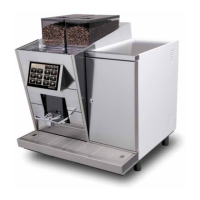
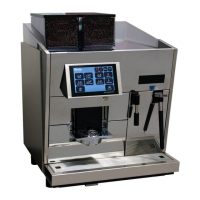
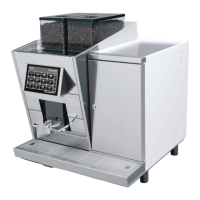
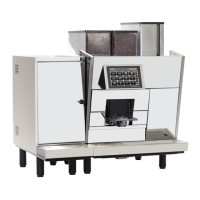
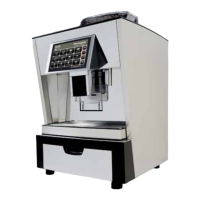
Parameter Description
Status
Normalbetrieb
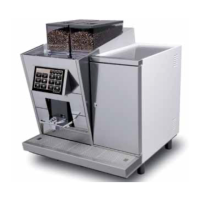
CT
CTM
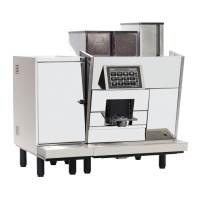
CTS
CTMS
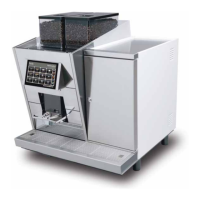
CBT
CBTM
Boiler temperature
Shows the temperature of coffee boiler
91 °C
x x x x x x
Pot temperature
Shows the temperature of coffee brewer
50 °C
x x
Ground Drawer
detected
Remove grounds drawer to check the contact.
If a
is shown, insert the grounds drawer correctly.
x x x x x x
Flowmeter ticks/sec
The value (ticks) must not change in the system check menu. If the value changes, it
means that the owmeter turns without the machine running -> there is a leakage in the
area right after the owmeter.
0
x x x x x x
Brewing motor in
endposition
Shows if the brew chamber on the mechanical module is in it‘s starting position
(touches the end switch).
x x x x x x
Motorrotation
detected
Turn the spindle wheel of the brew chambre slowly manually to check the 24VDC
motor. The value should alternate between
and .
x x x x x x
Beanhopper &
panel ok
Remove bean hopper or move up the control panel to check the signal.
x x x x x x
Pot level
Shows current ll state in % of the full coffee brewer tank‘s capacity.
20%
x x
Pot level step
Shows the current level of the coffee brewer‘s tank.
0
x x
Milkcleaningkey
Remove cleaning key to check the contact.
x x x x x x
Milkcleaningtablet
Remove cleaning key and press the contact pin inside the cleaning key‘s housing to
check the contact.
x x x x x x
1.1 Inputs
2.2 Inputs
2. Service menu „System Check“


 To Next Page
 Loading...