Hints and Tips
If the receiver does not connect to the transmitter, try the following:
Press and hold the CHANNEL/SYNC button on the base station
and then press TX button on the transmitter.
Relocate the base station and/or the remote unit until connection
is found.
Signals from other electronic devices may cause interference.
Place the base station and receiver away from these devices.
The transmitter may not function properly in extreme
due to battery power. Replace the batteries or the unit will resume
proper function in more moderate weather.
temperatures
If the base station is attached to a refrigerator or a metal object by
magnet, the transmission may be shorter. Remove the base station
from the refrigerator or the metal object or place the base station
and remote sensor as close as possible.
If the Humidity is lower than 10%, it will display LLL.
Warnings
Do not subject the unit to excessive force, shock, dust, temperature
or humidity.
Do not immerse the unit in water.
Do not remove any screws.
Do not dispose this unit in a fire. IT MAY EXPLODE.
Keep unit away from small children. The unit or parts of the unit
might be a choking hazard.
Never attempt to recharge the batteries using any other methods.
Dispose of the unit legally and recycle when possible.
-5-
-6-
Components
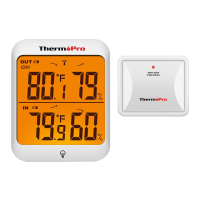
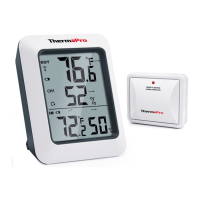
1. One base station unit (Receiver).
2. One remote sensor (Transmitter).
Although the remote sensor is designed to be rain-proof, the remote
sensor must be always placed upwards so that rain won't get inside
the sensor through the vent holes on the bottom of the senor which
functions to let the remote sensor detect the environmental
temperature and humidity more precisely and quickly.
EN EN


 To Next Page