SAFETY PRECAUTION
INITIAL USE
START CALIBRATION
TARGET PATTERN KIT
PRODUCT PROFILE
31
2. For target board (smaller), follow the steps below to install it.
1). Please note that there are two preset mounting holes on the back of each small target board. Align
the holes with the mounting hook on the positioning plate and insert them into the plate, then gently
press the board down until it is firmly secured on the plate.
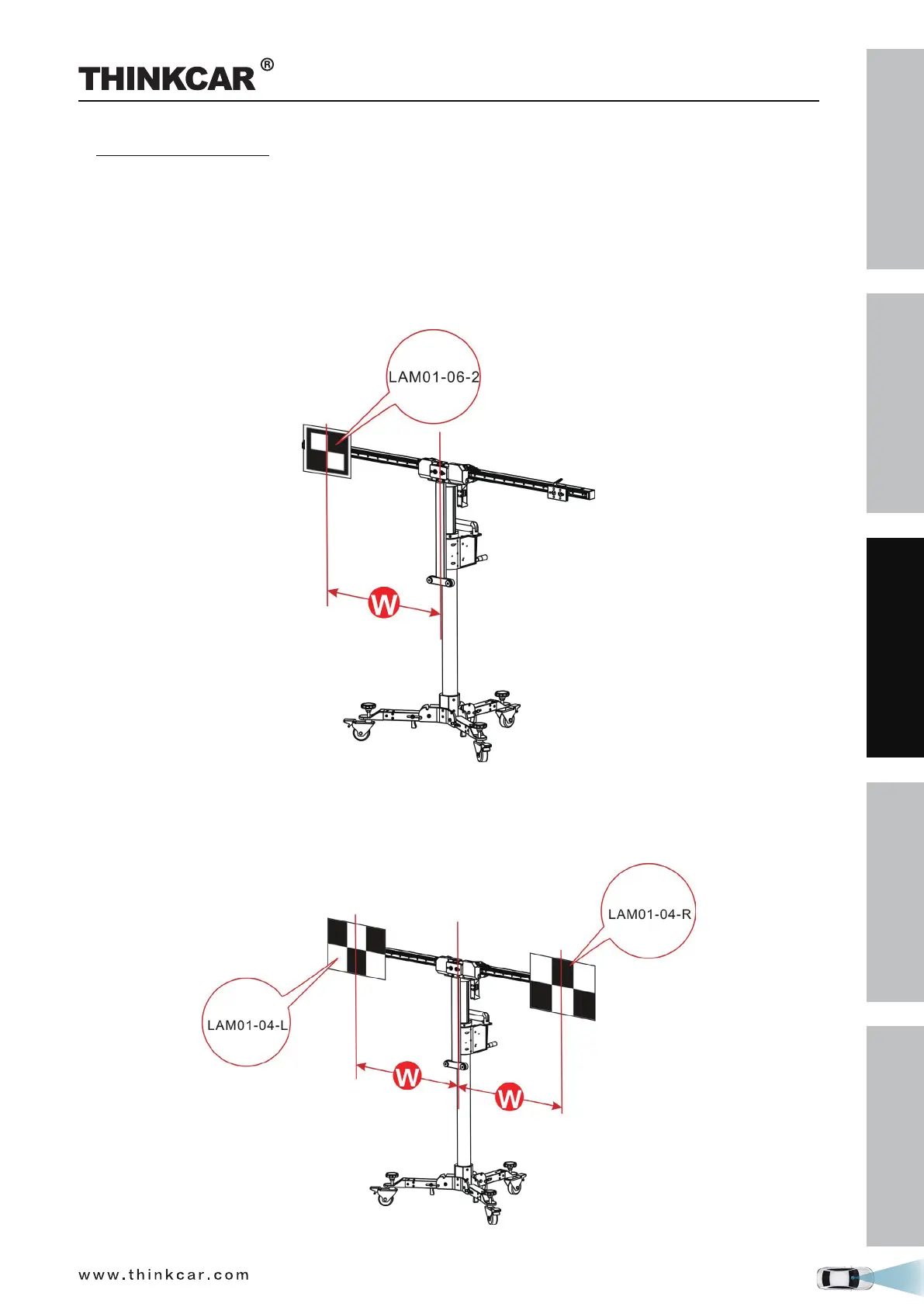
2). According to the on-screen ADAS calibration instructions on the diagnostic tool,
• If the target board (e.g. LAM01-06-2) is installed on the left or right positioning plate, slide the
positioning plate along the crossbar to the desired position (a red scale indicator (4) on the top of the
bracket points at the scale ruler (2) on the crossbar).
• If the target board mats (e.g. LAM01-04-L&LAM01-04-R) are installed, slide the positioning plate
along the crossbar to the desired position (a red scale indicator (4) on the top of the bracket points at
the scale ruler (2) on the crossbar). In this case, they should be installed in the same position on the
crossbars.
THINKCAR ADAS Calibration Tool



 To Next Page