SAFETY PRECAUTION
INITIAL USE
START CALIBRATION
TARGET PATTERN KIT
PRODUCT PROFILE
34
3 Start Calibration
3.1 Calibrating the front camera
This chapter describes a general operation procedure of front camera calibration. For example, here we
take the 2017 Audi Q5 USA/Canada to demonstrate how to make calibration.
3.1.1 When to calibrate?
1). The following diagnostic trouble codes are found on the vehicle (No or incorrect basic setting/adaption):
B201000 - No basic setting
C110A54 - No basic setting
B201100 - Wrong basic setting
2). The following repairs and replacements are made on the vehicle:
Front camera has been replaced.
The windshield has been removed, installed or replaced.
Chassis structure has been changed/adjusted.
One of the vehicle level sensors of the wheel damping electronics or the level control has been
replaced.
3.1.2 Operation Notes
Make sure the following conditions are met:
On vehicle & diagnostic tool
• Use the AUDI diagnostic software version 28.50 or above to perform the calibration.
• Only the calibration-related fault trouble codes are found on the vehicle, all other fault memory records
must have been cleared.
• Make sure that the VCI device has been plugged into the vehicle’s DLC.
• Turn on the ignition.
• Park the unloaded vehicle along with the four wheels on a horizontal surface.
• All vehicle doors must be closed.
• Wheel pressure is set to the standard value.
• Turn off the headlamp.
• Camera view is free and clean.
On calibration tool
• The front wheel is at straight ahead position, and the steering angle sensor is set to zero.
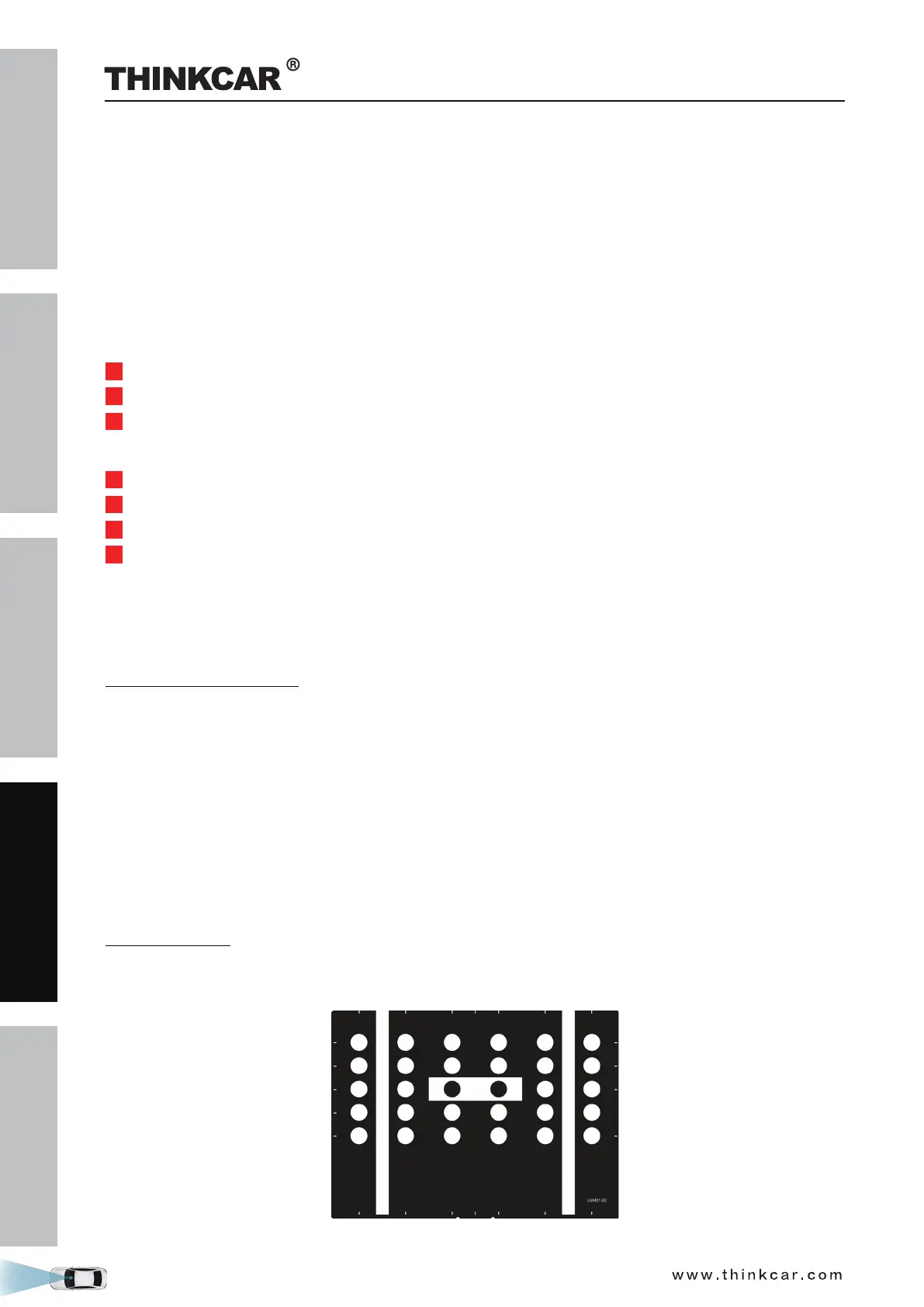
• Use the LAM01-02 calibration pattern.
THINKCAR ADAS Calibration Tool



 To Next Page