SAFETY PRECAUTION
INITIAL USE
START CALIBRATION
TARGET PATTERN KIT
PRODUCT PROFILE
36
3.1.3 Start calibration
Follow the steps below to proceed:
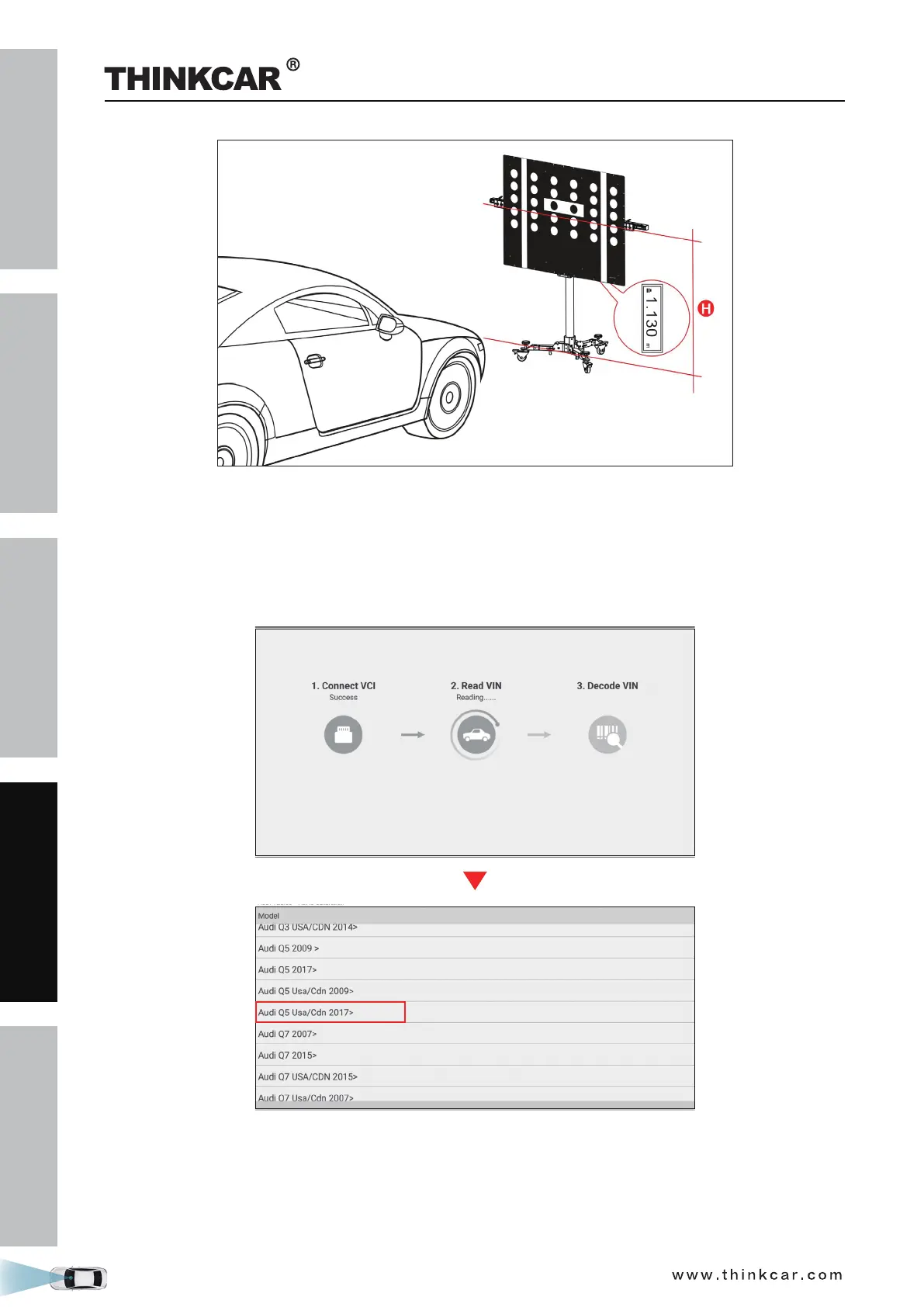
1. Tap “Toolbox” -> “ADAS” on the diagnostic tool.
2. The diagnostic tool starts communicating with the VCI and reading VIN. After the VIN is successfully
decoded, a screen similar to the following appears:
3. Select Audi Q5 Usa/Cdn 2017>.
THINKCAR ADAS Calibration Tool



 To Next Page