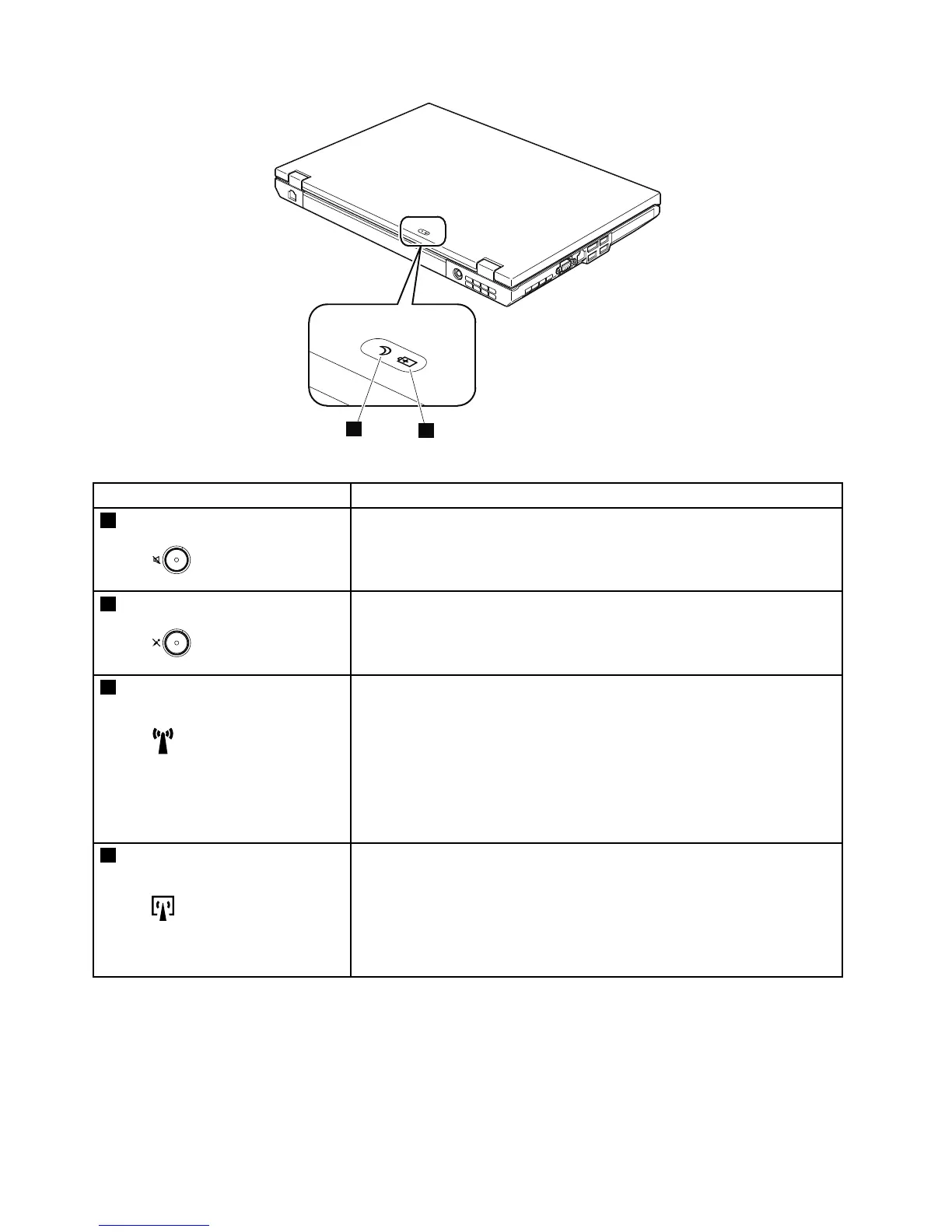
Table7.Statusindicators
IndicatorMeaning
1
Speakermute
Orange:
Thespeakerisonmute.Tosetthespeakersonmuteorunmute,
pressthespeakermutebutton.
2
Microphonemute
Orange:
Themicrophoneisonmute.Noneoftherecordingdevicesis
availablewhilethemicrophonemuteisonbydefault.
3
WirelessLAN,WirelessWAN,
orWiMAXstatus
Green:
ThewirelessLANfeature(theIEEE802.11b/gstandard,802.11
a/b/g,or802.11n),wirelessWANfeature,orWiMaxfeatureis
on,andtheradiolinkisreadyforuse.
Blinkinggreen:
Dataisbeingtransmitted.
4
BluetoothwirelessorWireless
USBstatus
Green:
TheBluetoothwirelessfeatureison,andtheradiolinkisready
foruse.
Blinkinggreen:
Dataisbeingtransmitted.
54HardwareMaintenanceManual



 To Next Page