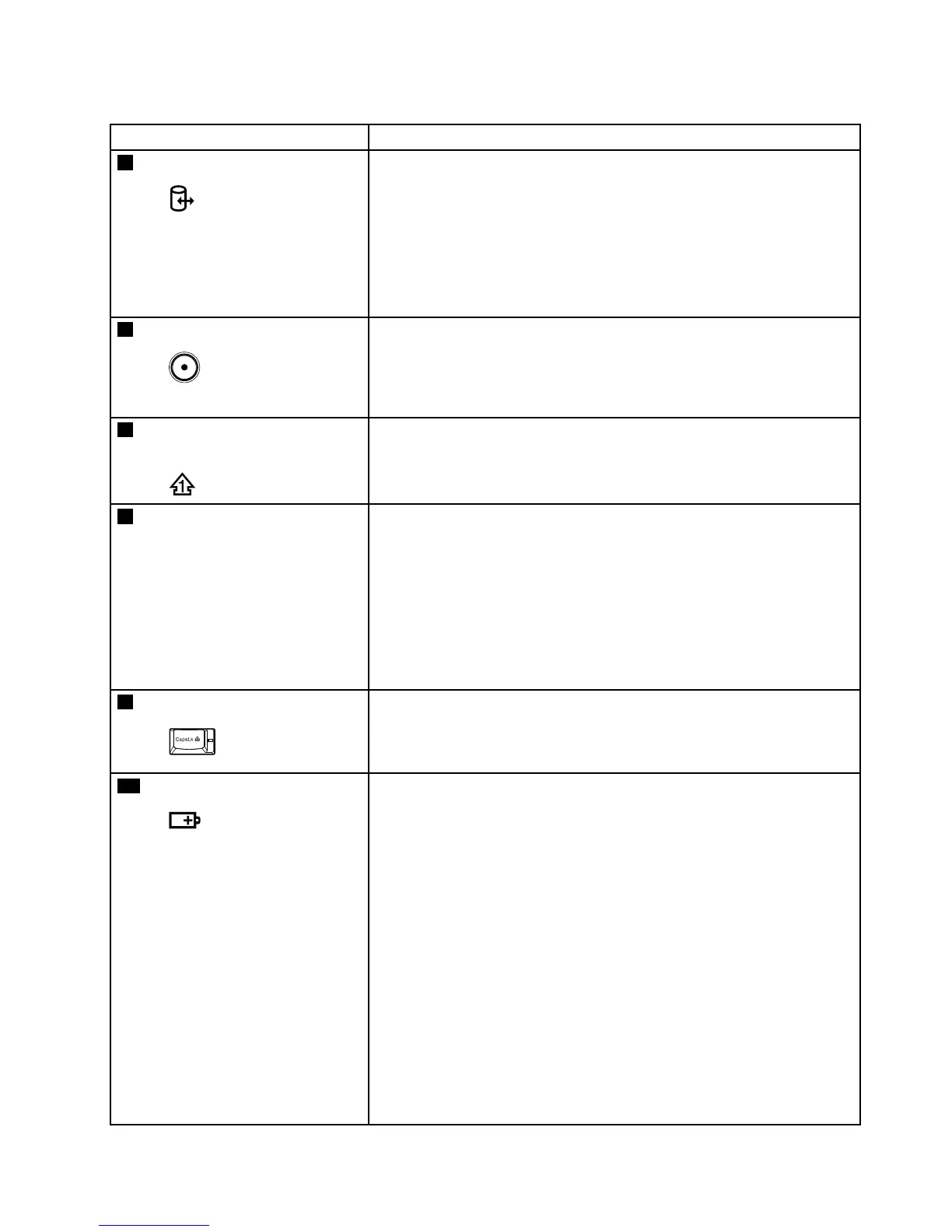
Table7.Statusindicators(continued)
IndicatorMeaning
5
Deviceaccess
Green:
Dataisbeingreadfromorwrittentotheharddiskdrive,the
diskettedrive,orthedriveintheSerialUltrabaySlimdevice.
Whenthisindicatorison,donotputthecomputerintosleep
(standby)modeorturnoffthecomputer.
Note:Donotmovethesystemwhilethegreendeviceaccesslightison.
Suddenphysicalshockcouldcausedriveerrors.
6
Poweron
Green:
Thecomputerisonandreadytouse.Thisindicatorstayslit
aroundthepower-onbuttonwheneverthecomputerisonand
isnotinsleep(standby)mode.
7
Numericlock(On-screen
indicator)
Bydefault,whenthenumericlockison,thenumericlockindicatoris
displayedonthescreen.
8
SerialUltrabaySlimdevice
status
Green:
ASerialUltrabaySlimdeviceisinstalledandinuse.
Blinkinggreen:
ASerialUltrabaySlimdeviceisintheprocessofbeingdetached.
Turnoff:
ASerialUltrabaySlimdeviceisreadytobeattachedor
detached.
9
Capslock
Green:
CapsLockmodeisenabled.T oenableordisableCapsLock
mode,presstheCapsLockkey.
10
Batterystatus
Green:
Thebatteryhasmorethan20%charge.
Orange:
Thebatteryhasbetween5%and20%charge.
Fastblinkingorange:
Thebatteryhaslessthan5%charge.
Note:Thebatterymaybecharging.
Slowblinkingorange:
Thebatteryisbeingcharged.Whenitreaches20%,theblinking
colorchangestogreen.
Slowblinkinggreen:
Thebatteryhasbetween20%and80%charge,andcharging
iscontinuing.Whenthebatteryreaches80%charge,blinking
stops,butthechargingmaycontinueuntilthebatteryis100%
charged.
Chapter5.Statusindicators55



 To Next Page