1Battery3WirelessLANcardslot
2Memoryupgradeslot4Harddiskdriveorsolid-statedrive
1Battery
Useyourcomputerwiththebatterypowerwheneveracpowerisunavailable.
2Memory-upgradeslot
Youcanincreasetheamountofmemoryinyourcomputerbyinstallingamemorymoduleinthe
memory-upgradeslot.MemorymodulesareavailableasoptionsfromLenovo.
3WirelessLANcardslot
Yourcomputerincludesawirelesslocalareanetwork(LAN)cardforyoutoestablishwirelessLAN
connections.
4Harddiskdriveorsolid-statedrive
Dependingonmodels,yourcomputermighthavealarge-capacity,customer-upgradableharddiskdrive
thatcanmeetavarietyofstoragedemands.
Somemodelsareequippedwithasolid-statedrivefordatastorage,makingyourcomputerlighter,smaller,
andfaster.
Note:Thehiddenservicepartitionisthereasonwhythereislessfreespacethanexpectedonyourhard
diskdriveorsolid-statedrive.Thisreductionismorenoticeableonthesolid-statedrivebecauseofits
smallercapacity.
Statusindicators
Thestatusindicatorsshowthecurrentstatusofyourcomputer.
Systemstatusindicators
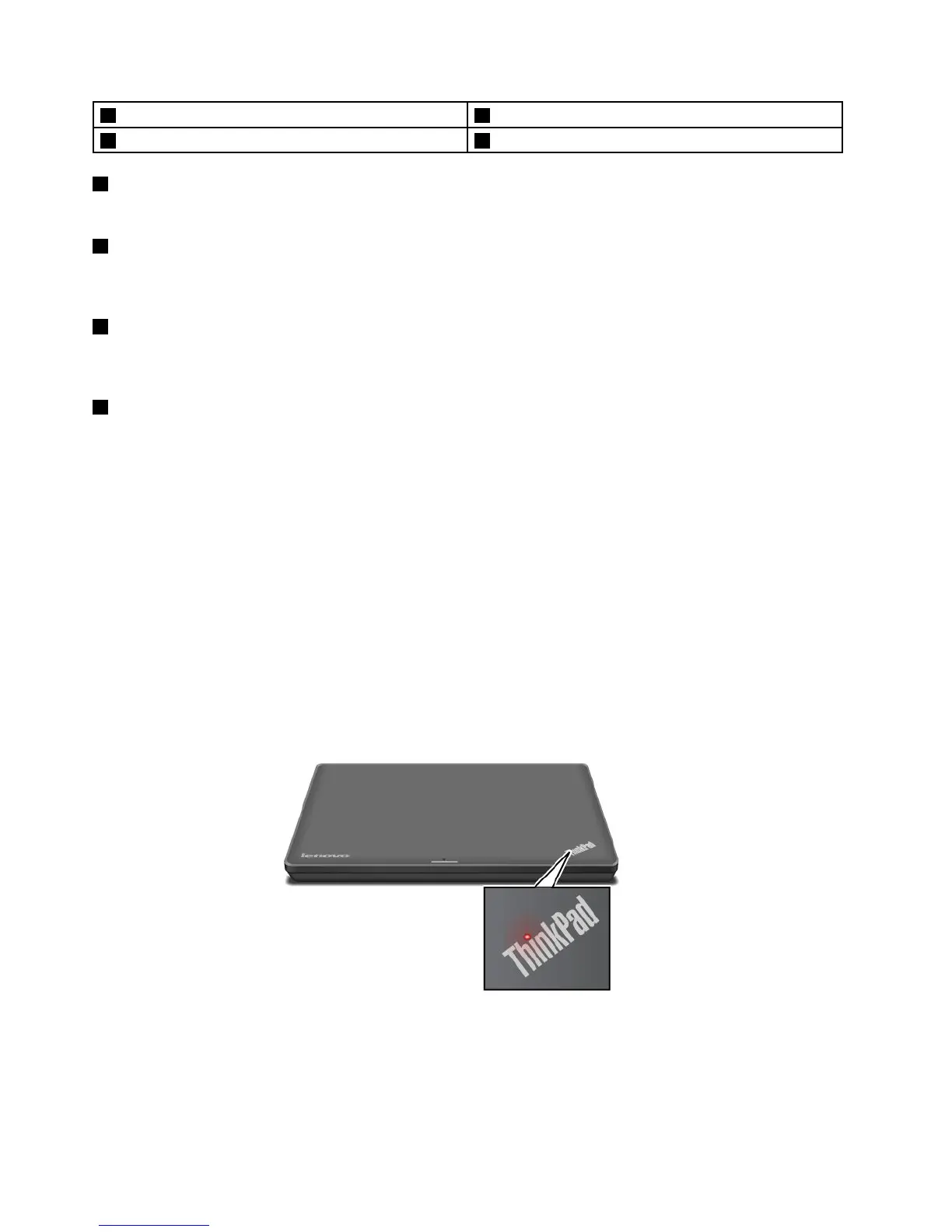
TheilluminateddotintheThinkPadlogoontheouterlidofyourcomputerandonthepalmrestworks
asasystemstatusindicator.
6UserGuide



 To Next Page