15
Basic Operations
02
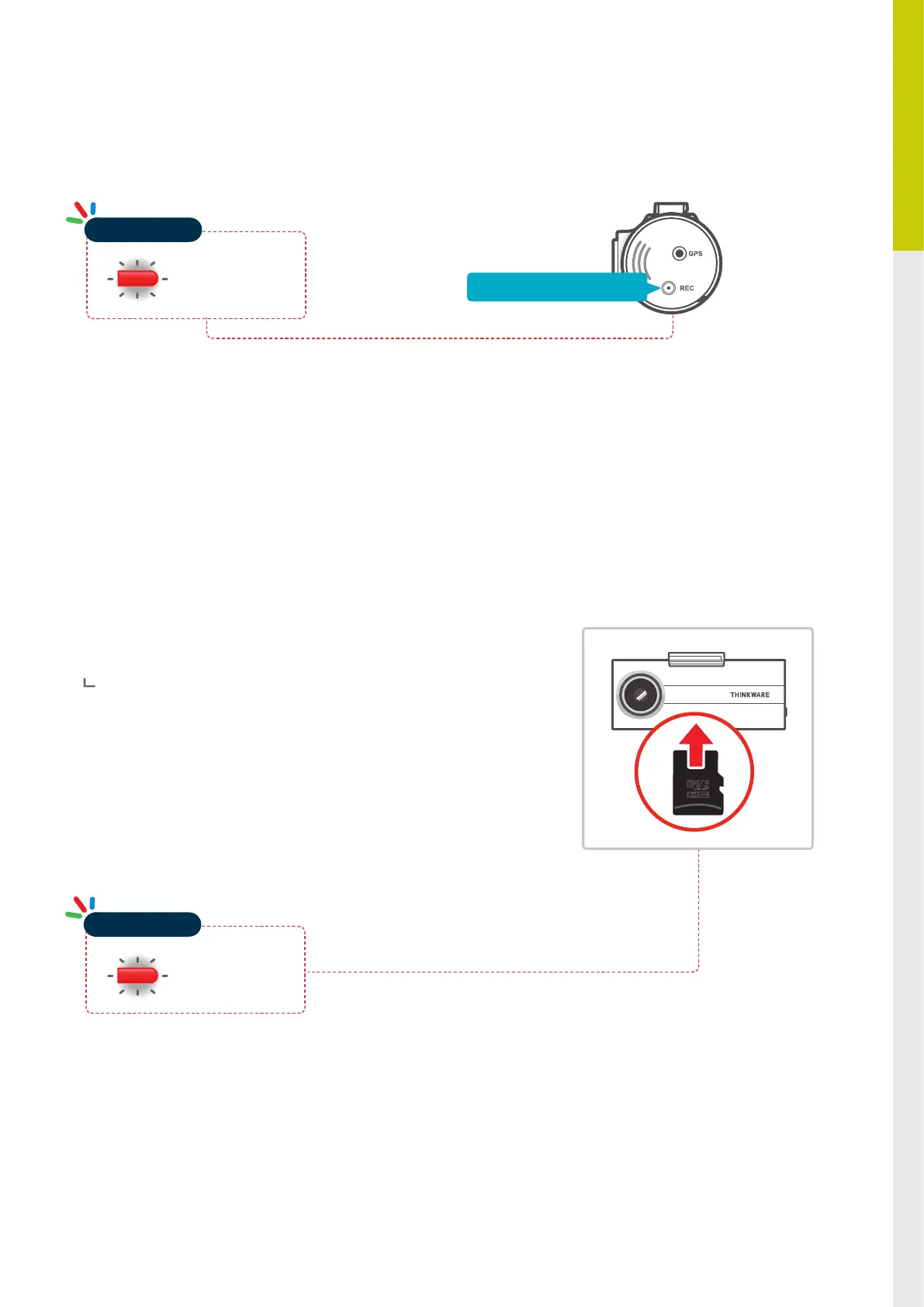
Press and hold REC button for 5 seconds to initiate memory card format
2-8. Formatting MicroSD Card
The system will automatically be updated if the MicroSD card contains
the rmware upgrade le.
The device restarts automatically after the upgrade has been
completed.
Make sure your device is always up to date with latest rmware.
Please check back frequently at THINKWARE website
(www.thinkware.com) for the latest rmware updates.
Do NOT disconnect your device from power while it is being updated.
This will result in damage to the dash cam.
2-9. Upgrading Firmware
Red Light Blinking
Operation LED
Red Light Blinking
Operation LED
Press and hold for 5 seconds


 To Next Page