Settings
28
7.3 Setting recording features
From the mobile viewer, tap Dash Cam settings
>
Record Settings to manage the recording features settings.
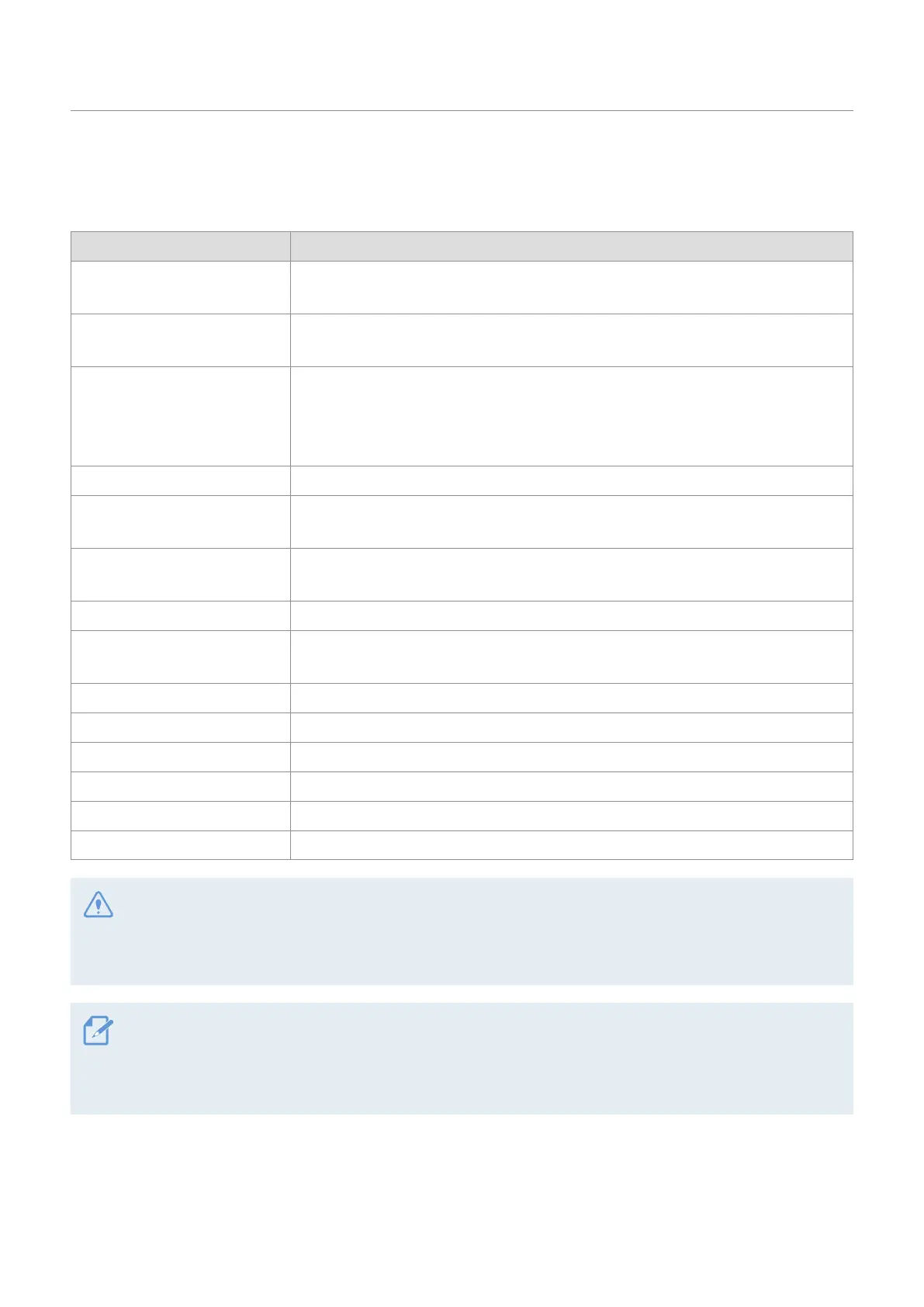
Options Description
Continuous Mode Incident
Recording Sensitivity
Select from Disabled/Lowest/Low/Mid/High for the sensitivity.
Super Night Vision
Select from Disabled/Continuous Mode/Parking Mode/Continuous+Parking for the
Super Night Vision feature.
Set Privacy Recording
You can set the privacy recording feature to delete your recorded files after a
set amount of time to protect the privacy of others. Select from OFF/1min (max.
2min)/3min (max. 4min)/G-Shock only for the privacy recording setting. If it is set to
G-Shock only mode, then it is not consistently recorded.
Voice Recording Select from Enabled/Disabled for the voice recording.
Parking Mode
Select from Disabled/Motion Detection/Time Lapse/Energy Saving for the parking
mode.
Parking Mode Waiting Time
Select from 30 sec./1 min./2 min./3 min./4 min./5 min. for the parking mode waiting
time (time to switch to parking mode).
Smart Parking Recording Select from Enabled/Disabled.
Impact Sensitivity in Parking
Mode
Select one of the five parking mode sensitivity levels.
Motion Detection Sensitivity Select one of the five motion detection sensitivity levels.
Off Timer Select the desired record time. To turn off the record timer, select Disabled.
Battery Protection Select from Enabled/Disabled for the battery protection.
Vehicle Type Select from Regular car/Hybrid car/Electric car for the vehicle type.
Battery cutoff voltage Select from 12V (11.6~13.2V)/24V (23.2-24.6) for the battery cutoff voltage.
Wintertime Battery Protection Select the month(s) to apply the battery protection feature.
• To use parking mode, you must install the hardwiring cable. If continuous power is not supplied to the
product, the product will stop recording when the vehicle engine is turned off.
• The vehicle battery will not be charged while the vehicle is parked. If you record in parking mode for an
extended period, the vehicle’s battery may be depleted and you may not be able to start the vehicle.
• For more information about parking mode, refer to "3.6 Using parking mode" on page 19.
• The battery cutoff voltage can be set only when the Battery Protection setting is set to Enabled.
• If the off voltage value is too low, the product may consume the battery completely depending on the
conditions like the vehicle type or temperature.



 To Next Page