Recording functions
20
Record the current programme
Your DVD recorder has recording functions similar to a video recorder. It records programmes
on DVD (DVD+R, DVD+RW) type discs. For the same disc, the recording time depends on the
quality settings that you can adjust according to the time left on the disc.The recording may be
immediate or deferred. Deferred programming is explained on page 22. For immediate recording
follow the instructions below.
When using disks: Choose good quality discs. To avoid any problems use known brands such as Imation,
Maxell, Philips, Ricoh, Verbatim, Sony…
4. Open the DVD tray by pressing the OPEN/CLOSE key. Put in a disc DVD+RW or DVD+R.
The printed side upwards, (double-sided discs have concentric marks around the central hole on
each side of the disc). Close the tray using the
OPEN/CLOSE key. Choose a recording quality
in relation to the time available on the disc. See Recording Quality paragraph on page 53.
Note: Disc Formatting - When you insert a DVD+RW disc for the first time, your DVD recorder must first
format the disc. This operation may take several minutes (up to 10 minutes), however you can begin
recording on the disc shortly after beginning the formatting process (after around 10 to 20 seconds).
FORMAT DSC remains displayed during this operation on the display.
5. Press once on the REC key of the remote control or on the RECORD key on the façade of
your DVD recorder to record the current programme until the end of the disc.To record for
a short period, press the
REC button several times. Each press increments the time by 30
minutes up to a maximum of 3 hours, if the recording quality and the time remaining on the
disc are sufficient (see page 53).
• Recording starts.
• RECORD is displayed for a few moments on the display of the DVD recorder.The red signal
lamp on the façade lights and confirms that recording has started.
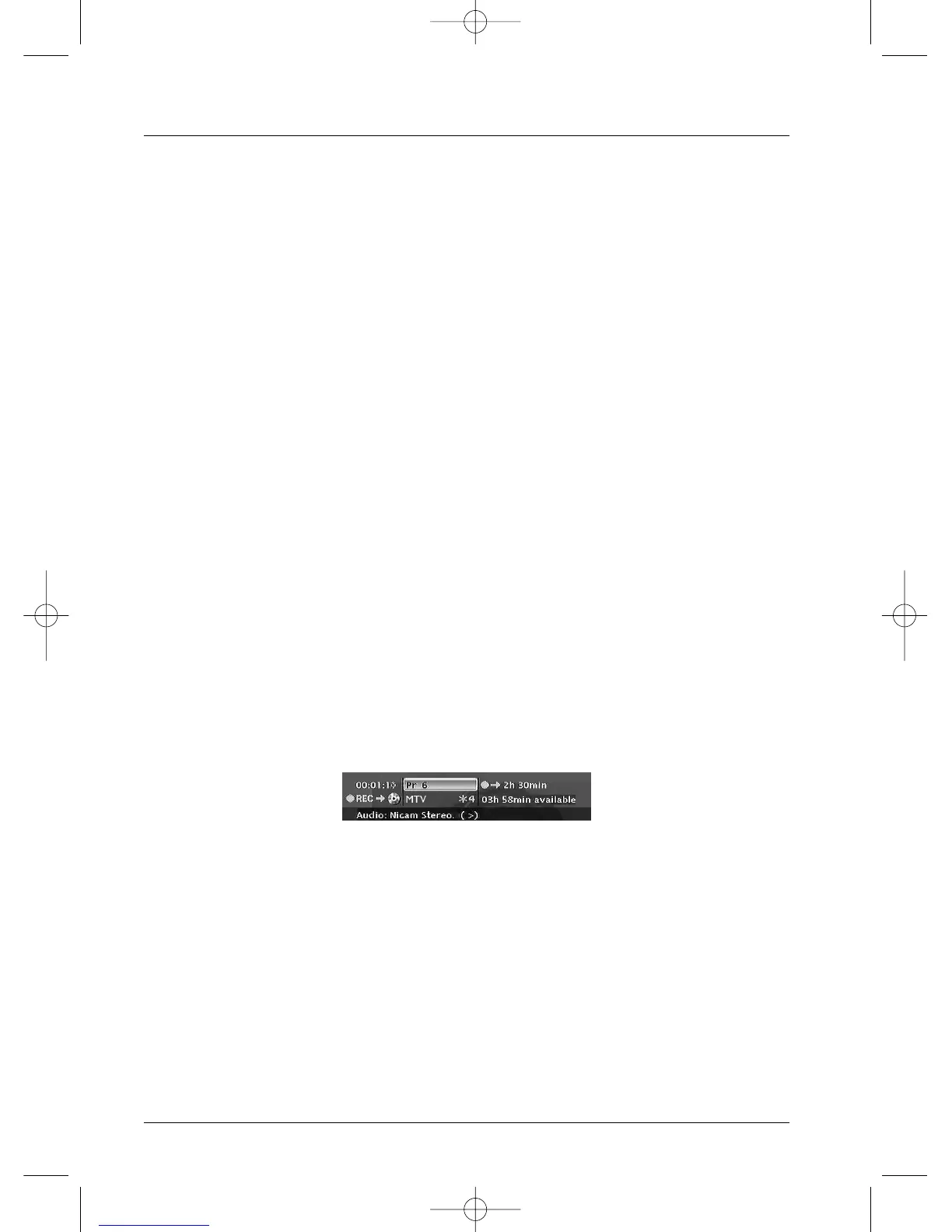
• The information banner appears for several seconds on the screen of your television.The
information that is displayed confirms the channel, the programme being recorded and the
time remaining on the disc.
Note: after several seconds the information banner disappears.You can redisplay it using the INFO key on
the remote control.
Changing the channel during recording is not possible. To watch another channel during the recording session,
select it directly on the television set, using its own remote control handset.
With each recording session the name and programme parameters recorded on the disc are automatically
placed in the library memory of your DVD recorder.The library can contain up to 200 programme names
recorded on different discs.
To watch your recorded programmes see the Disc menu, details on page 42.
To consult the library see the Disc Library menu, page 26.



 To Next Page