Recording functions
28
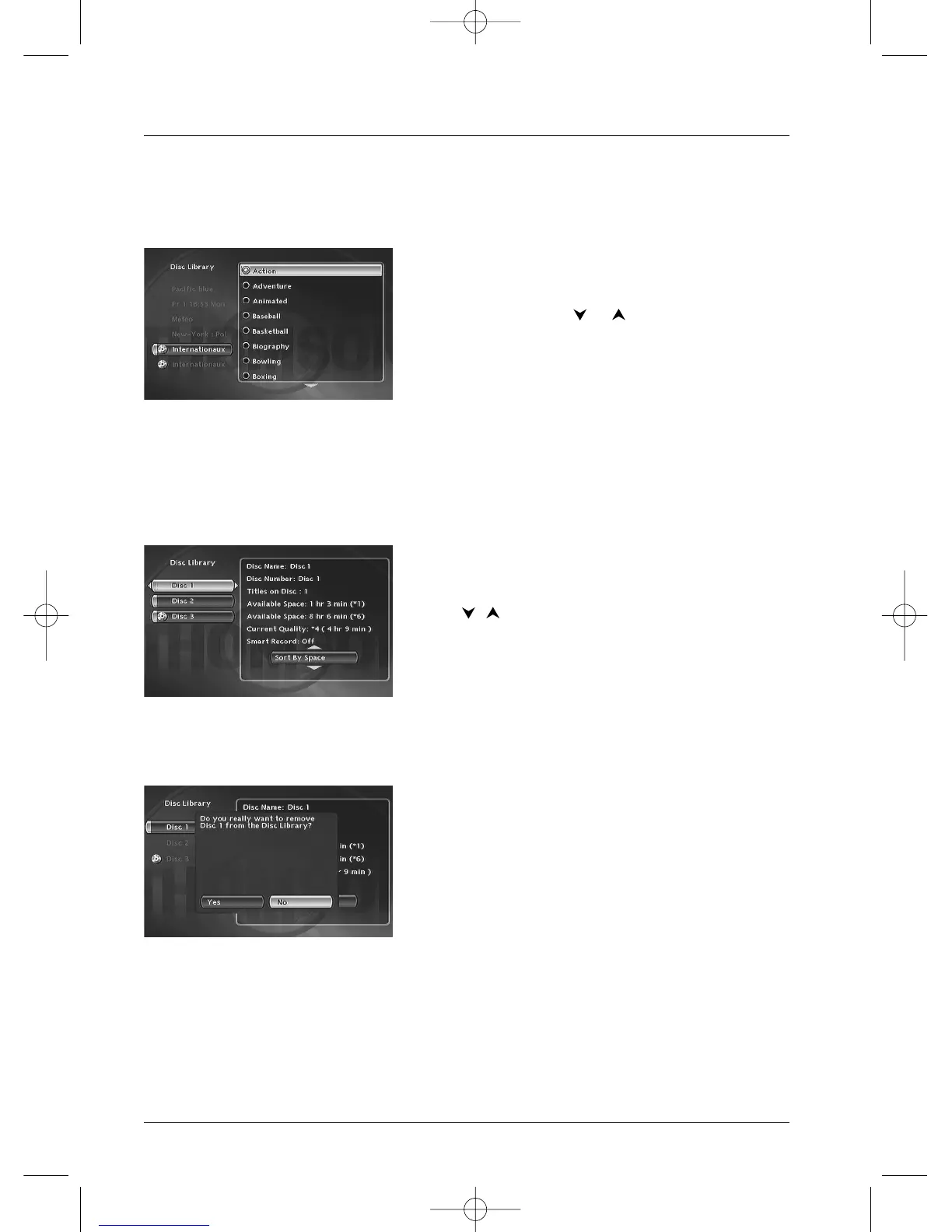
Assign or Change the Category of a title
This function allows you to allocate a title (or to change it) to a category in the list proposed by
the DVD recorder. Select Change Genre and press
OK.
Select the category using the or key and confirm with OK.
Show discs
This function allows you to display the menu of all the discs in the library and to search by
sorting for available time (available space), number or name of the disc.You can also delete all the
titles on a library disc or display all the titles on a disc.
Use the keys and OK to confirm your choice.
The Delete Disc function allows you to delete all the titles on a disc in the library .
Note: if you delete a disc, it will always be possible to “reload”
the titles of this disc by adding a recording that you can then
later delete from the disc.



 To Next Page