Recording functions
24
SHOW
VIEW
®
Recording
Your DVD recorder allows to program SHOWVIEW
®
recordings by means of the numbers
printed in most TV magazines (e.g. 5697841). Simply enter this number when the S
HOWVIEW
®
screen is displayed, it contains all the necessary recording parameters (channel, date, start and
end times).
SHOWVIEW
®
is a registered trademark of Gemstar Development Corporation.The S
HOWVIEW
®
system is
manufactured under licence from Gemstar Development Corporation.
Before using S
HOWVIEW
®
ensure the channels have been properly installed, as shown on page 5, and that
the clock of your DVD recorder is correctly adjusted (date and time).
Programming a recording
1. Place a DVD+R or DVD+RW disc in the DVD recorder.
2. Press the SHOWVIEW key on the remote control, or from the main menu (MENU key or
in stop mode), select the SHOWVIEW function with the key or key and confirm it
with
OK.
Note: In cases of error when inputting a number, the manual
programming menu appears with the parameter to be
corrected highlighted.
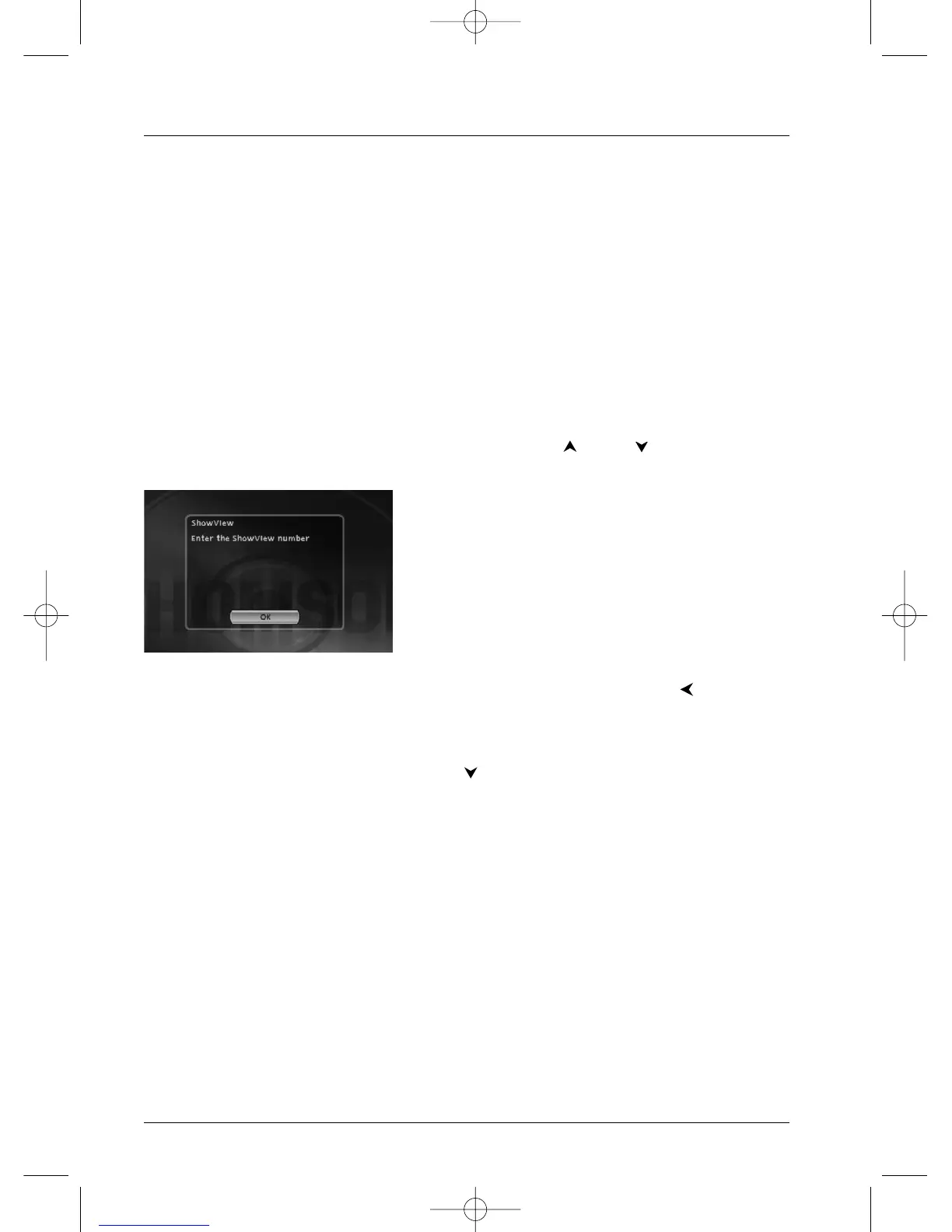
3. The SHOW
VIEW
®
screen appears. Enter the number of the programme to record with the
number keys on the remote control. In case of error, delete the figures using . Confirm
with
OK.
4a. In certain cases one of the recording parameters must be given or corrected. In this case,
the manual programming screen appears with the relevant parameter highlighted. Make the
correction then choose Keep Timer using and confirm with
OK.
The programming now appears in the programming screen. Press Return to return to the
main menu.
4b. If the guide number is correct, the manual programming menu appears. Keep Timer is
selected. Check the parameters and press the
OK key.Your programming now appears in the
programming screen. Press Return to return to the main menu.
Your DVD recorder can memorise the parameters for 8 different programmes. If two programmes overlap a
warning message is displayed.



 To Next Page