Menus
52
Black level
Adjust the contrast (Light / Dark) according to the brightness of the room
in which you are viewing your DVD recorder images.
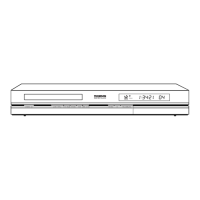
Display Dimmer
Depending on the brightness of the room where you’ve installed your DVD
recorder, select one of the 3 available settings (Automatic / Bright / Dim)
to adapt the brightness of the display panel to suit its environment.
PAL/NTSC output
If the images of the DVD being played appear in black and white on your TV
screen, the standard of the video signals transmitted to your TV is incorrect.
Change the video signal from PA L to NTSC or vice versa.
Note: PAL is the name of the colour coding system used in most European countries.
NTSC is the name of the colour coding system used in the United States and some
other countries.
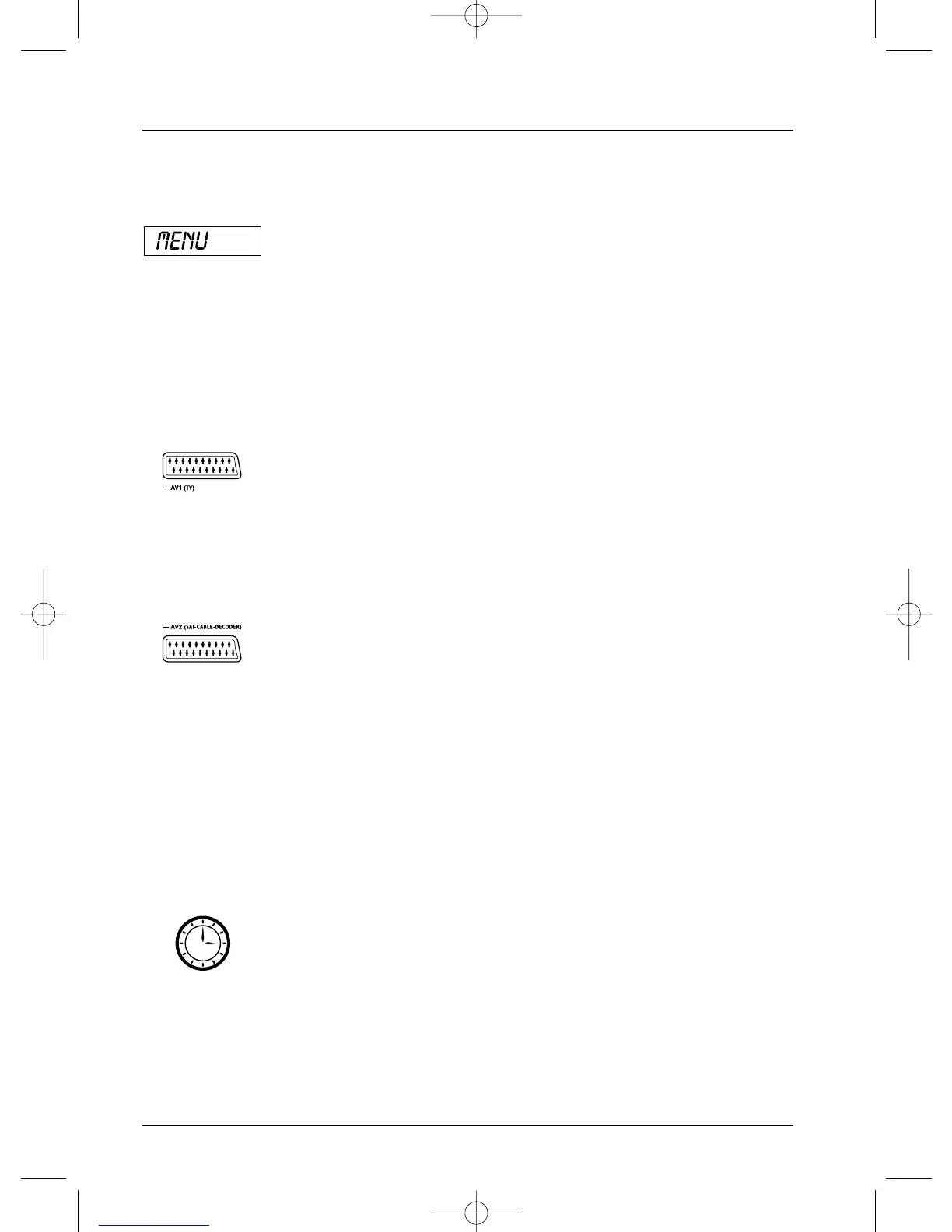
AV1 output
Choose the RGB, S-Video or Video signal, depending on the device
connected to the AV1 Scart socket (usually TV sets). If you don’t know which
type of signal is accepted by your TV set, try each setting to get the best
result.
Note: transmission of DVD recorder images to TV images (with certain TV sets)
If you want to watch one channel while recording programmes on another channel, you
must change the AV1 output connection setting by selecting Video instead of RGB
in the System Options menu.
AV2 Input
Choose the S-Video or Video signal, depending on the device connected to
the AV2 Scart socket (usually a satellite receiver). If you do not know the
type of signal supplied by the connected device, try each of the settings to
obtain the best result.
Note: format of image signals:
RGB: English signal colour code (Red – Green – Blue).
S-Video: S-VHS (Y/C), signals with separate colour components and brightness.
Video: CVBS, composite video signals.
Standby mode
Your DVD recorder has an Eco Standby to reduce its power consumption
when on stand-by. Select On to enable this function.
Note: the Eco function does not allow the display of programming warning messages
on the display panel. Only the record icon will flash.
AutoClock
Allows your DVD recorder to always be set at the correct time, date and day.
Note: leave this function activated to avoid any problems when programming
recordings.
Scart connector
Scart connector
The display of your
DVD recorder



 To Next Page