E-DOC-CTC-20060609-0001 v2.0
Chapter 7
Thomson Gateway Wireless Configuration
54
7.1.3 Configuring the Thomson Gateway Access Point
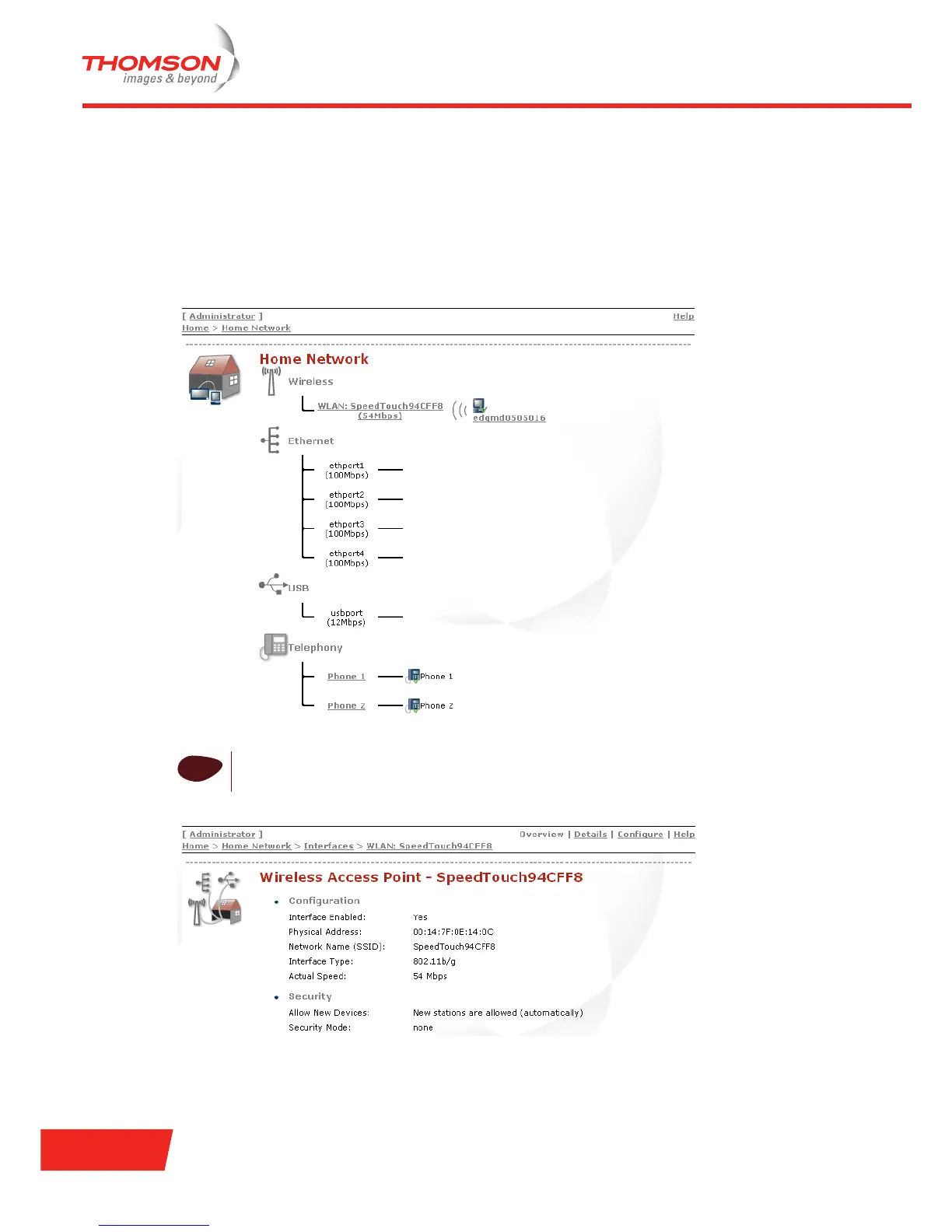
Accessing the access point settings page
To view the basic settings for your Access Point (AP):
1 In the Thomson Gateway menu, click Home Network (residential) or Office Network (business) and the
overview of your Home Network appears.
2 Under Wireless, click the AP that you want to view and the Overview page appears.
i
The AP name has the following format: “WLAN: “+ Network Name, for example “WLAN:
SpeedTouch94CFF8”.













 To Next Page