E-DOC-CTC-20060609-0001 v2.0
1
About this Wireless Configuration Guide
About this Wireless Configuration Guide
Used symbols
Typographical conventions
Following typographical convention is used throughout this manual:
> Sample text indicates a hyperlink to a Web site.
Example: For more information, visit us at www.thomson-broadband.com
.
> Sample text indicates an internal cross-reference.
Example: If you want to know more about guide, see “1 Introduction” on page 7”.
> Sample text indicates an important content-related word.
Example: To enter the network, you must authenticate yourself.
> Sample text indicates a GUI element (commands on menus and buttons, dialog box elements, file
names, paths and folders).
Example: On the File menu, click Open to open a file.
> Sample text indicates a CLI command to be input after the CLI prompt.
Example: To obtain a list of all available command groups, type
help at the top level.
> Sample text indicates input in the CLI interface.
> Sample text indicates comment explaining output in the CLI interface.
Example:
Documentation and software updates
THOMSON continuously develops new solutions, but is also committed to improving its existing products.
For suggestions regarding this document, please contact documentation.speedtouch@thomson.net
.
For more information on THOMSON's latest technological innovations, documents and software releases,
visit us at http://www.thomson-broadband.com
.
i
A note provides additional information about a topic.
!
A caution warns you about potential problems or specific precautions that need to be taken.
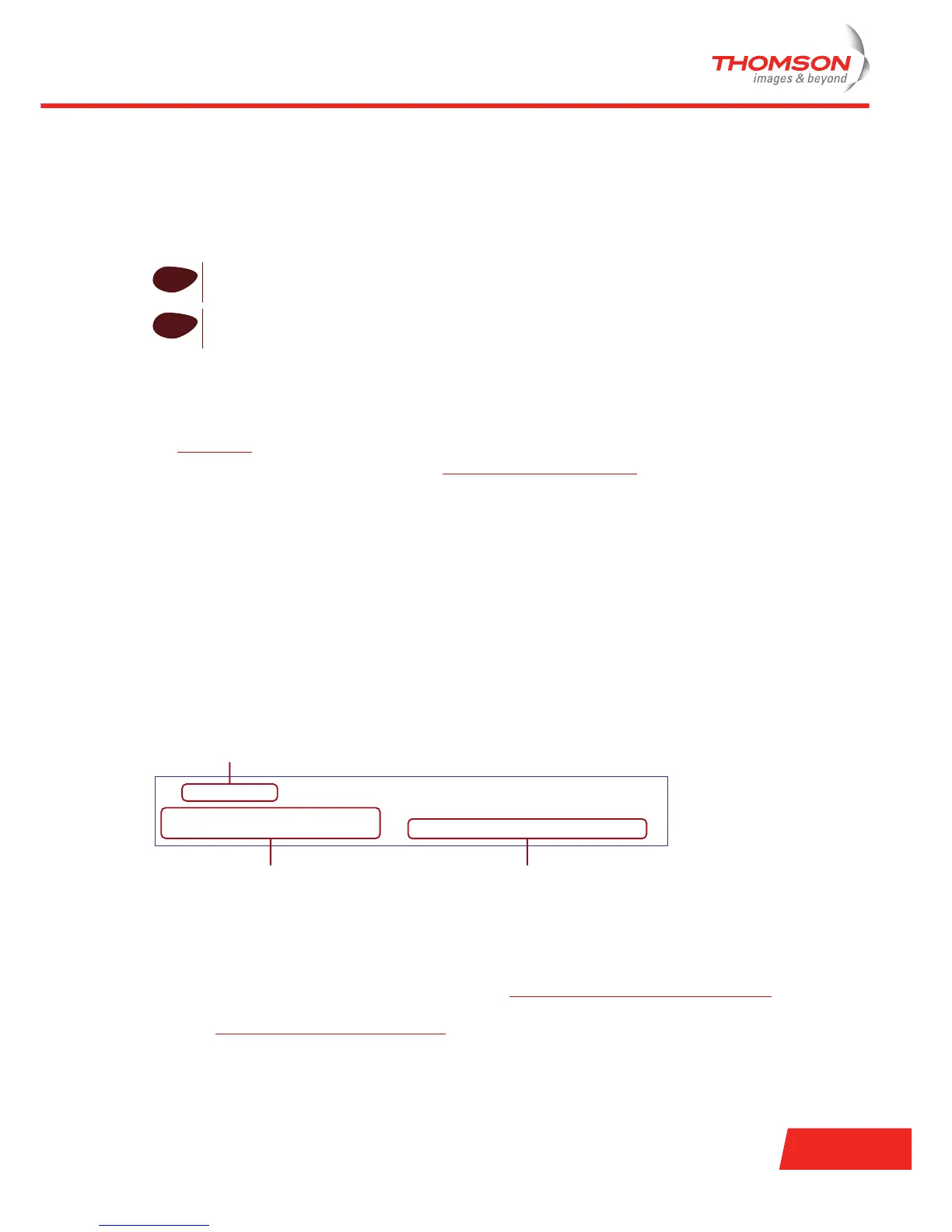
=> language list
CODE LANGUAGE VERSION FILENAME
en* english 4.2.0.1 <system>
Only one language is available
Output
Input
Comments













 To Next Page