E-DOC-CTC-20060609-0001 v2.0
Chapter 7
Thomson Gateway Wireless Configuration
77
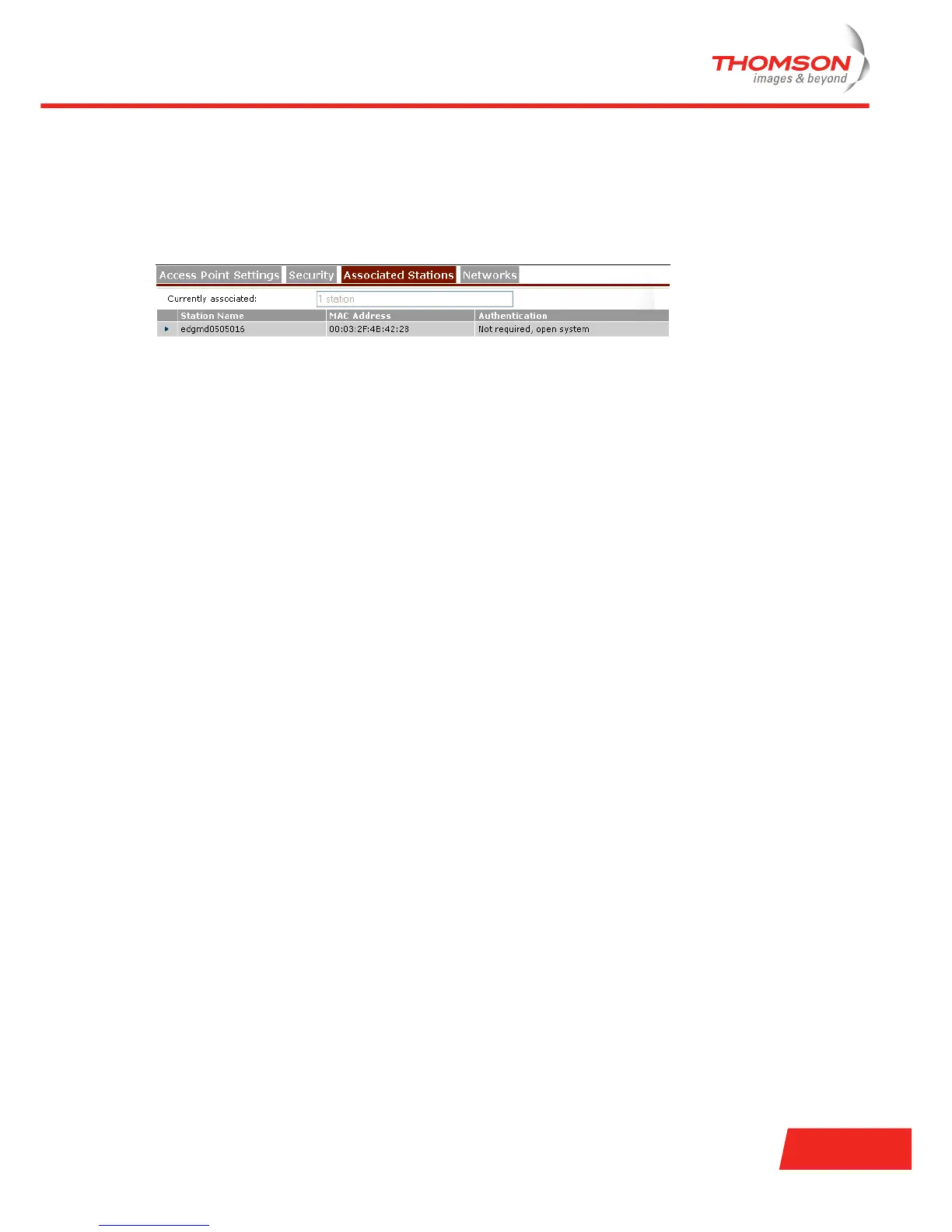
7.2.3 Associated Stations
Overview page
To view the currently associated stations, click the Associated Stations tab.
Adding stations to the ACL
To add an associated station to the access control list:
1 Click the station you want to explicitly add to the ACL. Associated stations that are not present in the ACL
yet, are identified by the name Not Registered (ACL).
2 To change the access rights for this station, click Access Control.
3 Change the name of the station (optional but recommended).
4 In the Allowed list, click:
Yes to allow it to exchange data with other stations.
No to explicitly deny the station to associate with the Thomson Gateway.
5 Click Apply to immediately apply your changes.













 To Next Page