E-DOC-CTC-20060609-0001 v2.0
Chapter 7
Thomson Gateway Wireless Configuration
67
7.2 Expert Configuration
Introduction
This section describes the expert configuration for your Thomson Gateway Access Point (AP). The expert
configuration is only available on business Thomson Gateway devices equipped with an AP.
To select the Expert Configuration Page:
1 Go to the Thomson Gateway Web pages.
2 In the left menu, click Expert Mode.
3 In the left menu, click Local Networking, then click Wireless.
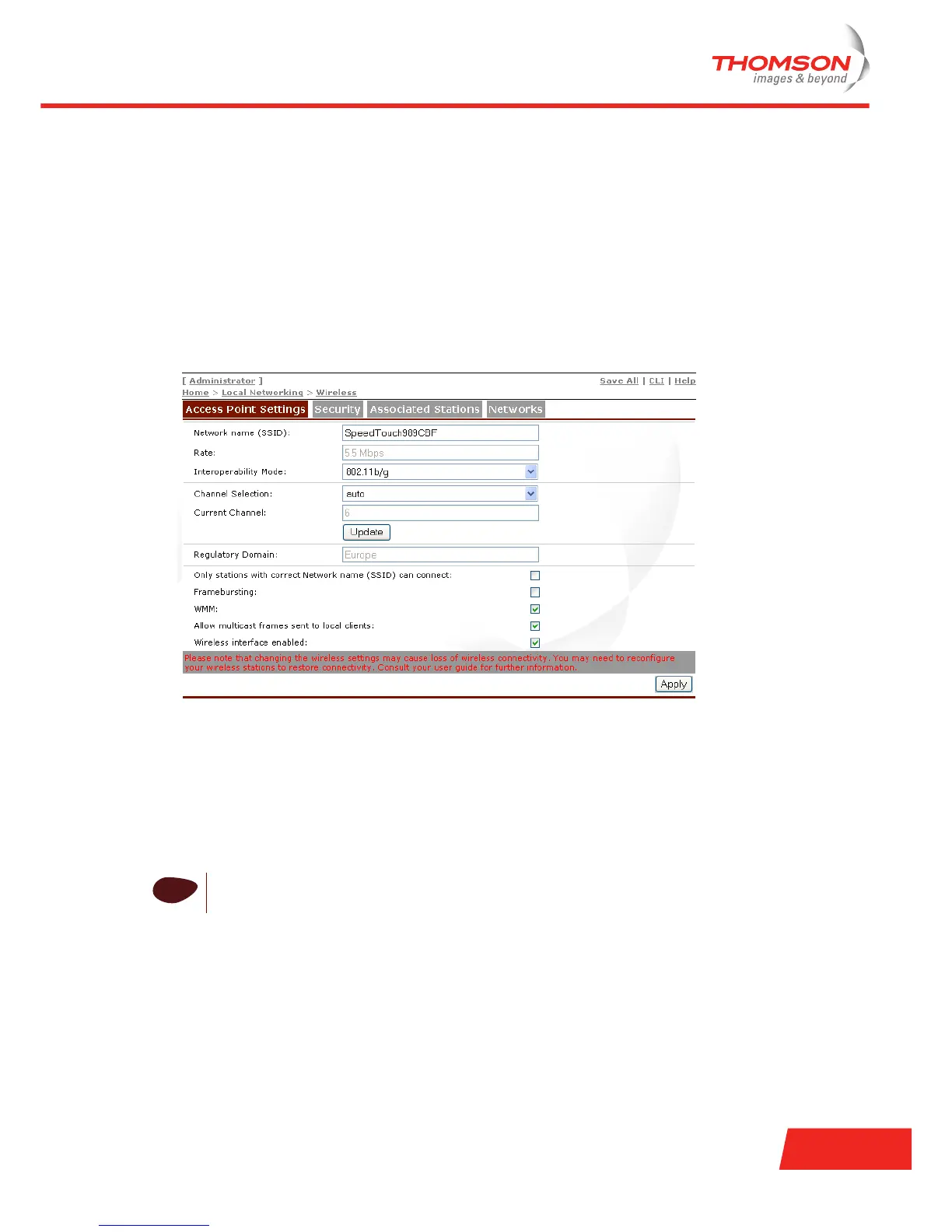
The wireless Web page consists of four sections:
> Access Point Settings: to configure the settings of the Thomson Gateway AP.
> Security: to overview and control the security settings and wireless station access to the Thomson
Gateway's wireless network segment.
> Associated Stations: to overview the wireless stations, currently associated with the Thomson Gateway
AP.
> Networks: to scan for wireless stations in your neighbourhood and scan for, view, configure WDS
connections with other wireless devices.
!
Be aware that in case you are connected wirelessly to the Thomson Gateway and you change its
wireless access point settings, wireless connectivity may be lost!













 To Next Page