E-DOC-CTC-20060609-0001 v2.0
Chapter 7
Thomson Gateway Wireless Configuration
66
Hardware reset
Proceed as follows:
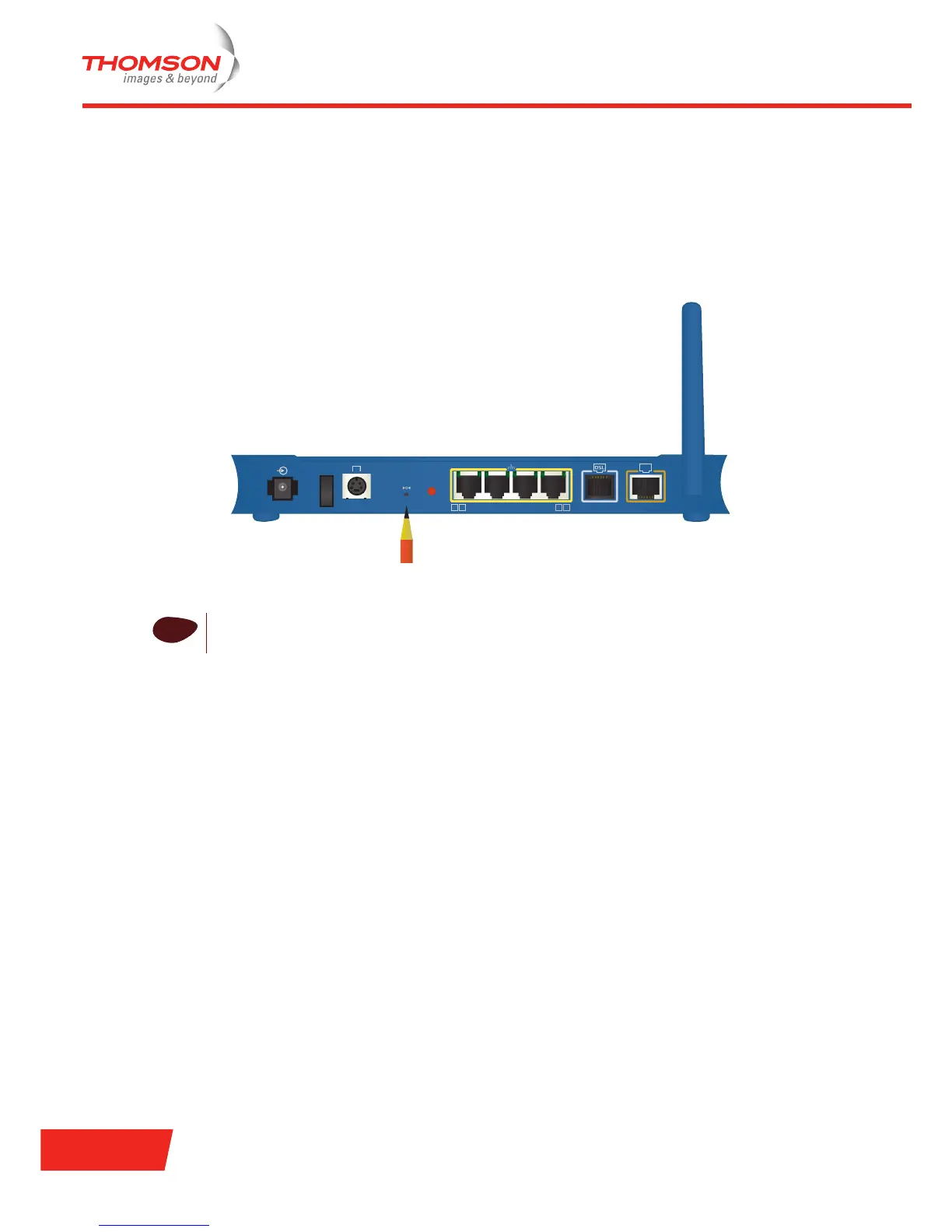
1 Make sure the Thomson Gateway is turned on.
2 Use a pen or an unfolded paperclip to push the recessed reset button on the back panel. The reset button
is marked with a red circle. Push it until the power LED lights red - this will take about 7 seconds.
3 Release the reset button.
4 The Thomson Gateway restarts.
!
Your system administrator may have disabled the physical reset button of the Thomson Gateway.
In this case, a hardware reset to default settings is not possible.
18VAC
Reset
2 3 4
ON
OFF
Console
1
Asso-
ciation
ISDN













 To Next Page