16
Chapter title
EN
16
Advanced functions
Frequency range: the graphic equaliser has seven frequency bands. Select each band
in turn using the
buttons and make the necessary adjustments using the buttons.
Press
OK to confi rm.
Note: When you are setting the graphical equaliser, Personal appears under the Sound
preset
option and your settings are stored as your new personal settings.
• In every other instance, the menu displayed offers the following options:
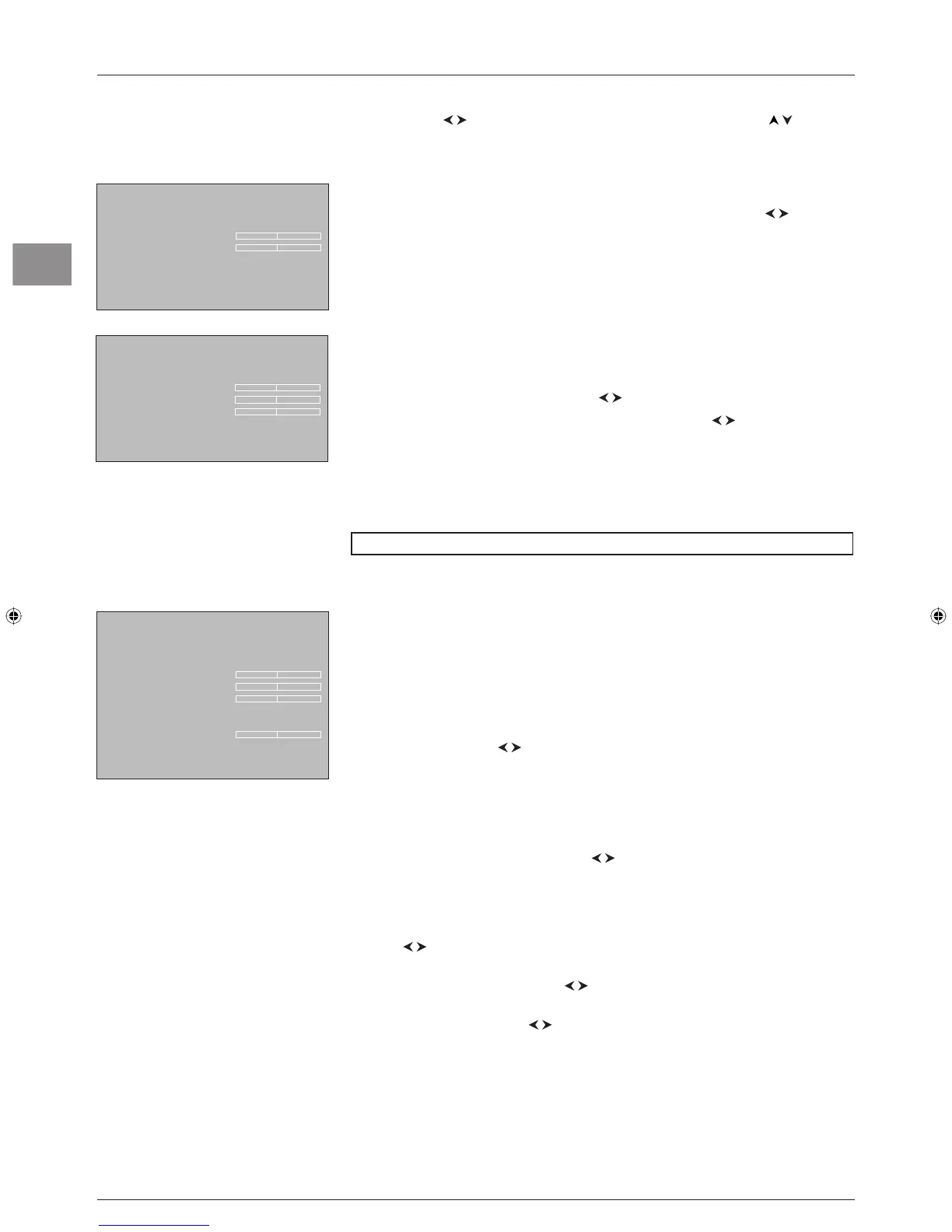
Bass, Treble: you can adjust these settings to the level you want using the buttons.
Press
EXIT to close the menu. To return to the Sound menu, select Return and press
OK to confi rm.
Headphone settings
Select the Headphone option from the Sound menu and press OK to display the menu.
The following options are available:
Headphone volume, Headphone bass, and Headphone treble: you can adjust
these settings to the level you want using the
buttons.
Headphone sound: select a sound type from the list using the buttons.
The default sound type is
Automatic for mono sources, Stereo for stereo sources and
Stereo for AV sources.
Press
EXIT to close the menu. To return to the Sound menu, select Return and press
OK to confi rm.
BBE ViVA is a trademark of BBE Sound Inc.
Adjusting the picture
The menus for adjusting the picture are used to obtain the best picture setting according to
your preference, the type of programme you are watching and the ambient lighting. When
you make an adjustment only the selected option remains displayed, allowing you to see the
changes taking place on screen. The entire menu is displayed again when you select another
option or the time for making an adjustment has elapsed.
Display the
OVERVIEW menu using the MENU button. Select the Picture option and
press
OK to confi rm. The Picture menu appears with the following options:
Picture preset: use the buttons to select the appropriate setting for the programme
you are watching.
Personal contains the values you have defi ned for the settings Brightness, Colour,
Contrast, Black expand, Tone, Sharpness and Noise reduction.
You can access the list of preset picture settings directly by pressing the
PRESETS
button on the remote control, selecting the
Picture preset option and choosing one
of the preset settings from the list using th
e buttons. Your selection is applied to all
channels. You must, however, select a preset setting for each AV programme. Press
EXIT or
PRESETS to close the menu.
Note: This function is only available in TV mode.
Brightness, Colour, Contrast, Tone, Sharpness: adjust these settings as required
using the
buttons.
Black expand: can be used to adjust the picture according to the ambient brightness.
Select an option from the list using the
buttons.
Noise reduction: improves the quality of the picture in the case of poor reception. Select
an option from the list using the
buttons.
Other settings: this option provides access to the Other settings menu (see further
below).
Press
EXIT to close the menu. To return to the OVERVIEW menu, select Return and
press
OK to confi rm.
Tone control
Return
Bass Ñ
Treble
Headphone settings
Return
Headphone volume
Headphone bass Ñ
Headphone treble
Headphone sound Stereo...
Picture
Return
Picture preset Personal...
Brightness Ñ
Colour
Contrast
Black expand Medium...
Tone Neutral
Sharpness
Noise reduction Low...
Other settings ...
TV mode
130-EN-DVBT.indd 16130-EN-DVBT.indd 16 26/01/06 14:19:1126/01/06 14:19:11





 To Next Page