11
3. Display
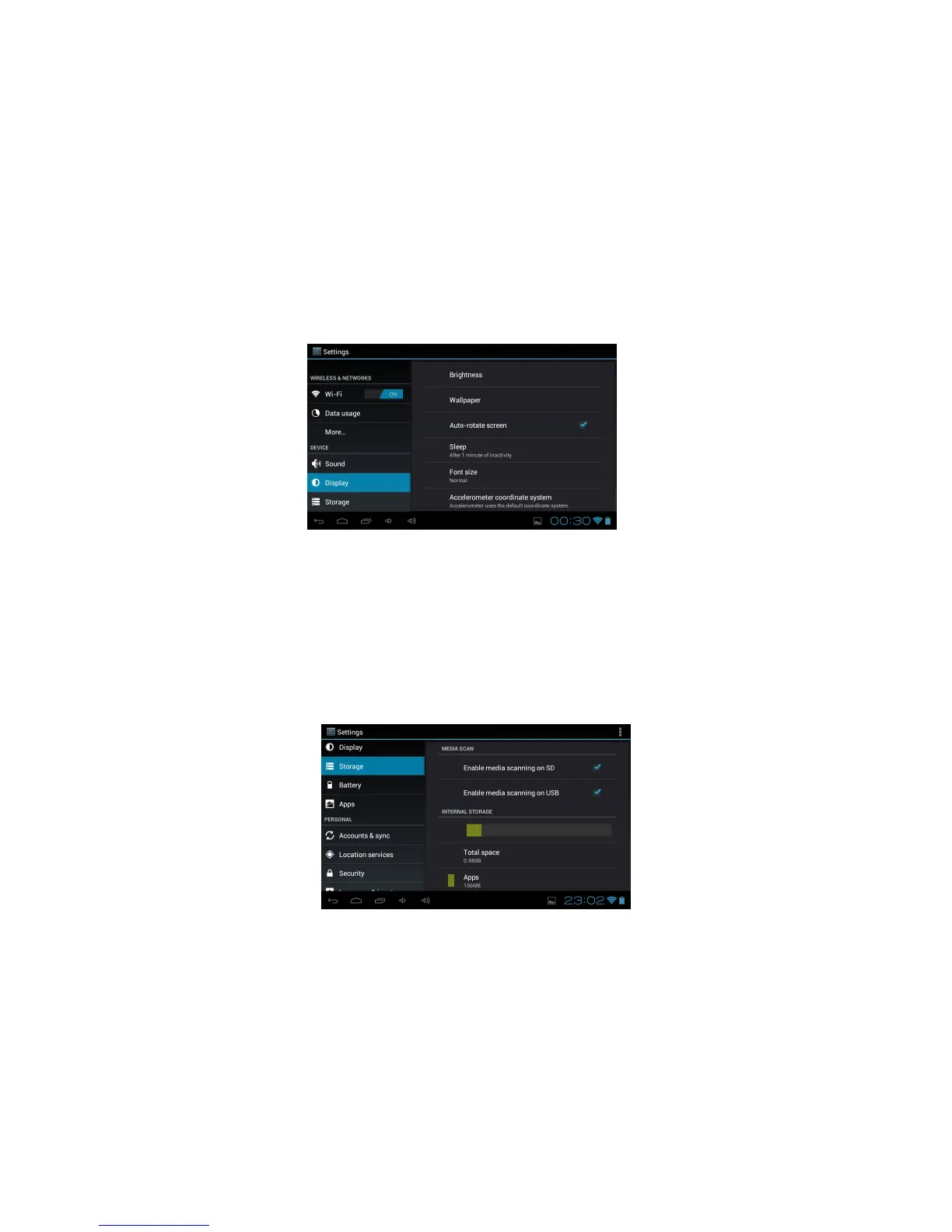
Change the settings to control the display and backlight on your device.
Brightness: Adjust the brightness of the display.
Wallpaper: Select a background image for the Home screen from Live Wallpapers, Super-HD
Player or Wallpapers.
Auto-rotate Screen: Select to Auto-rotate screen or not.
Sleep: Set Sleep time options between 15 seconds and 30 minutes or never sleep.
Font size: Change the font size for the display.
Accelerometer coordinate system: Set to Default or Special coordinate system.
Screen adaption: Use to adjust size of the display screen for some games
4. Storage
Note: The actual available capacity of the internal memory is less than the specified capacity
because the operating system and default applications occupy part of the memory.
- View memory information for your device and memory card.
- Enable Media Scanning
- Erase Storage
- Un-mount the SD card or USB device for safe removal.
5. Battery
View the amount of battery power consumed by processes and applications currently running on
your device.



 To Next Page