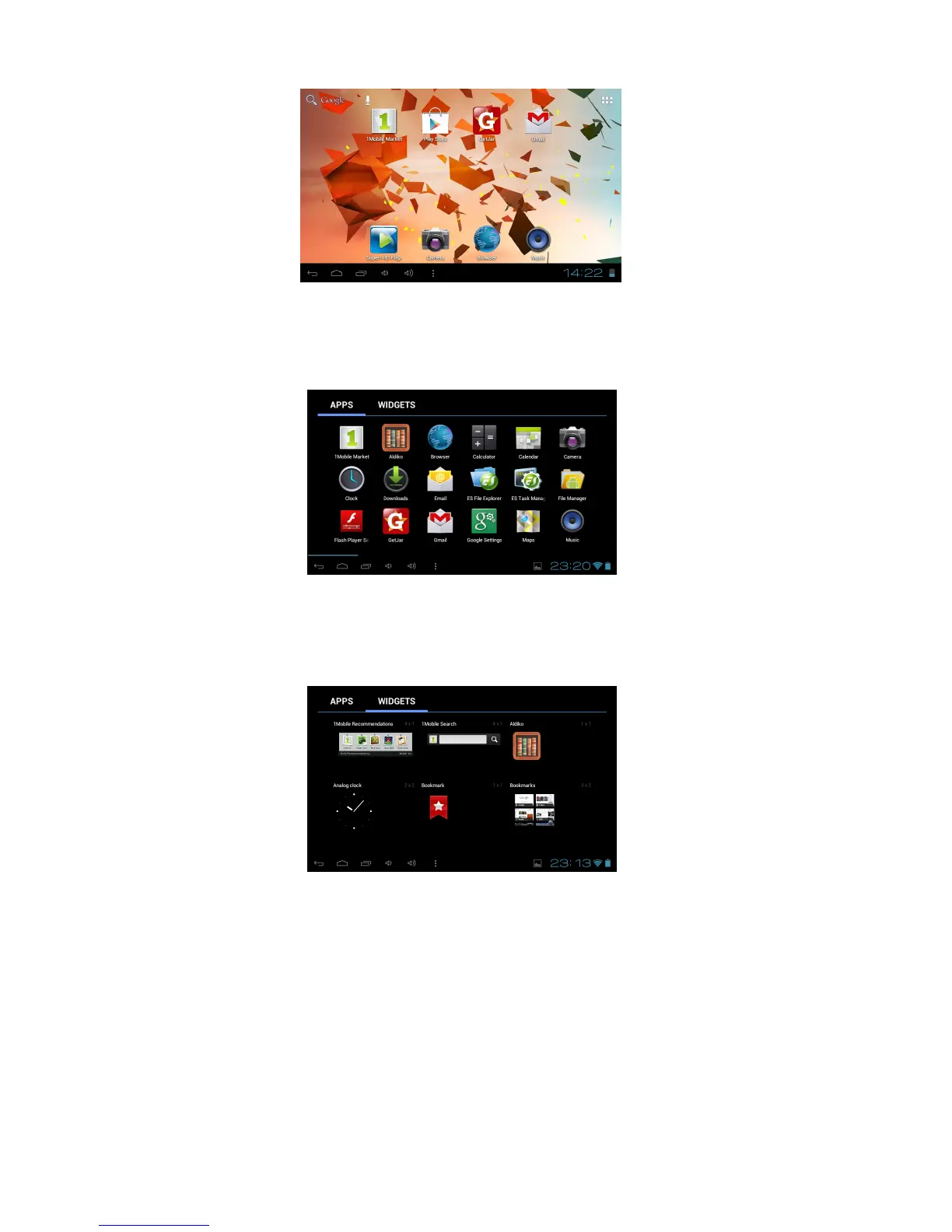
Touch and hold the desired APK icon to place a shortcut on the desktop.
Widgets
Either scroll right to left with your finger or touch the Widgets tab to view the installed widgets. Touch and
hold the desired WIDGET icon to place a shortcut on the desktop.
Change Input Method
If your device was installed with other input methods such as an external mouse, track pad,
keyboard or games controller you may change the settings to suit under the Language and input
section in Settings.



 To Next Page