7
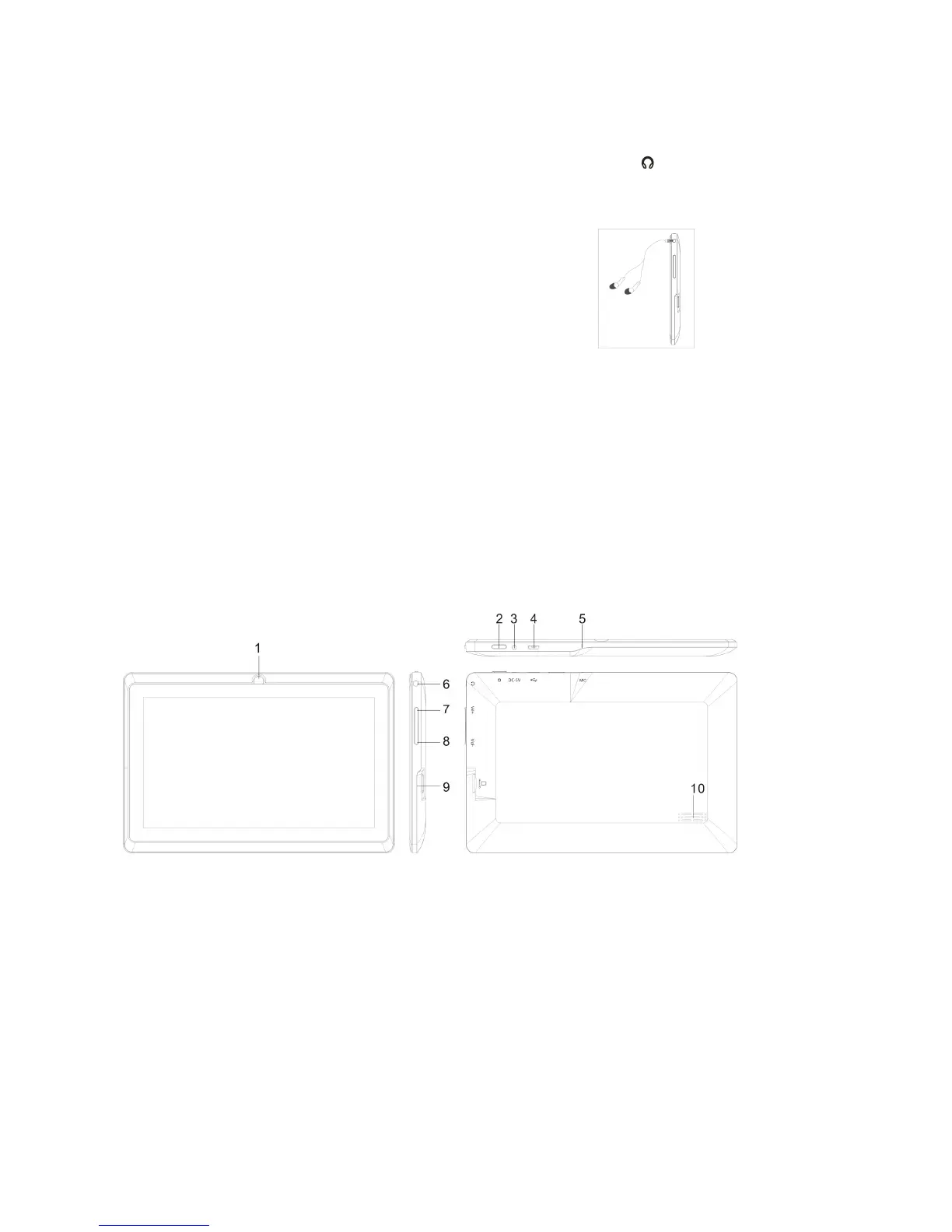
Connecting to the Earphone
Insert your earphone (not included) into the device 3.5mm earphone jack on the side of the unit.
Power ON the device, select your favorite music or video and adjust the volume to a comfortable listening
level.
Note:
1. When headphone/earphone is connected to the earphone jack, the main speakers will be
automatically muted.
2. Be sure that your device is set at a low volume level before connecting the headphone/earphone.
3. Increase the volume gradually for comfortable listening.
Caution: Listening at high volumes for a long period could cause hearing loss.
TABLET PC View



 To Next Page