27
1. In the application list, select Clock.
2. Select Alarm set.
3. Select to set and add alarm.
4. Set the details of the alarm.
5. When you are finished, select Ok.
To deactivate an alarm, select the clock icon next to the alarm. To delete an alarm, enter the alarm
and select Delete.
Stop an alarm
When the alarm sounds,
- To stop the alarm, select Dismiss.
- Select Snooze to sleep for 10 more minutes.
15. Calculator
Perform Arithmetic calculations with your device.
Perform a calculation
1. In the application list, select Calculator.
2. Use the keys on the screen to perform basic calculations.
Rotate the device to the landscape view to use the scientific calculator.
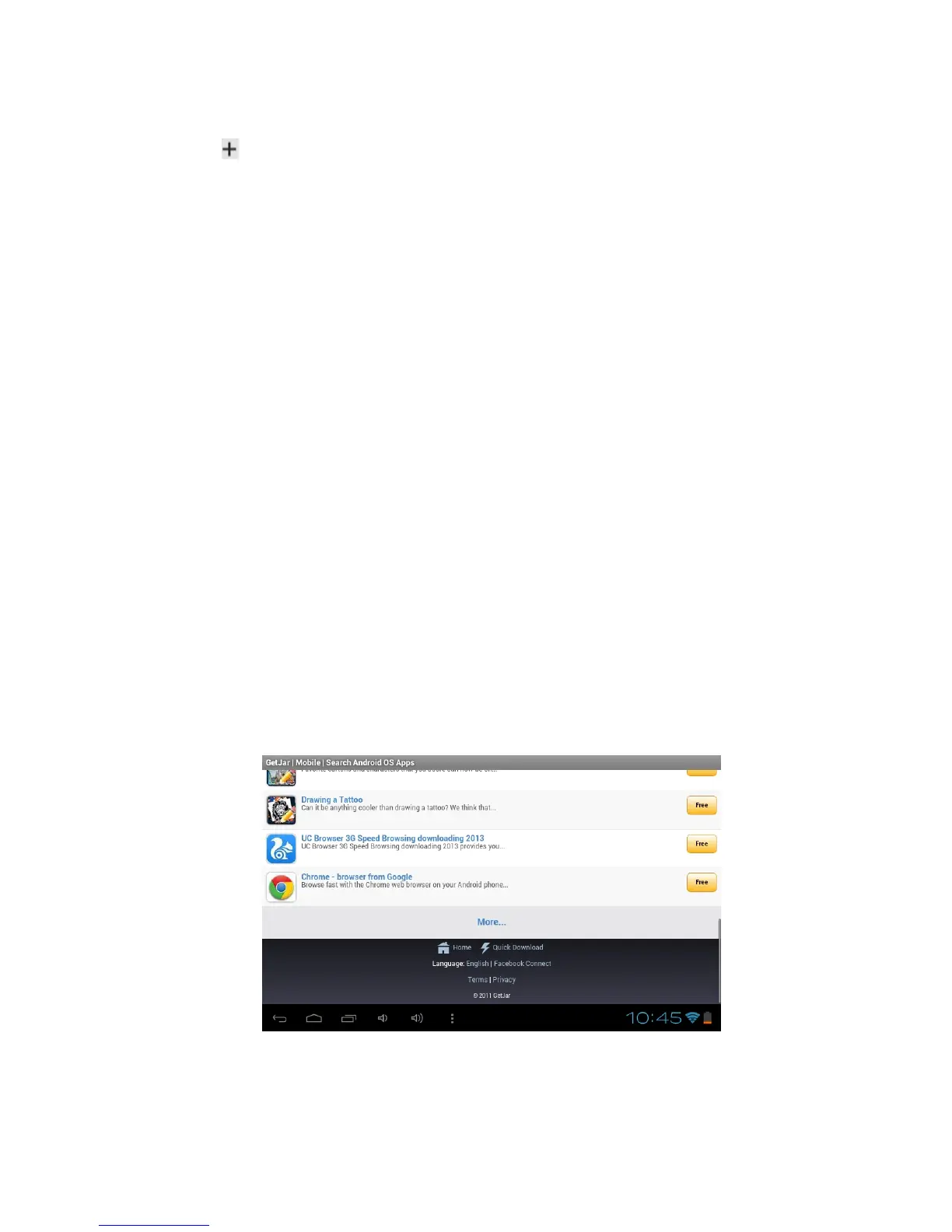
16. Getjar
Your device’s functionality can be extended by installing additional applications. Getjar
provides a quick and easy way to shop for mobile applications.
- This feature may be unavailable depending on your region or service provider.
- Your device will save user files from downloaded applications to the internal memory.
Download an application
1. In the application list, select Getjar.
2. Search for an application and download it to the device. When the download is complete, the
device will install the application automatically.



 To Next Page