25
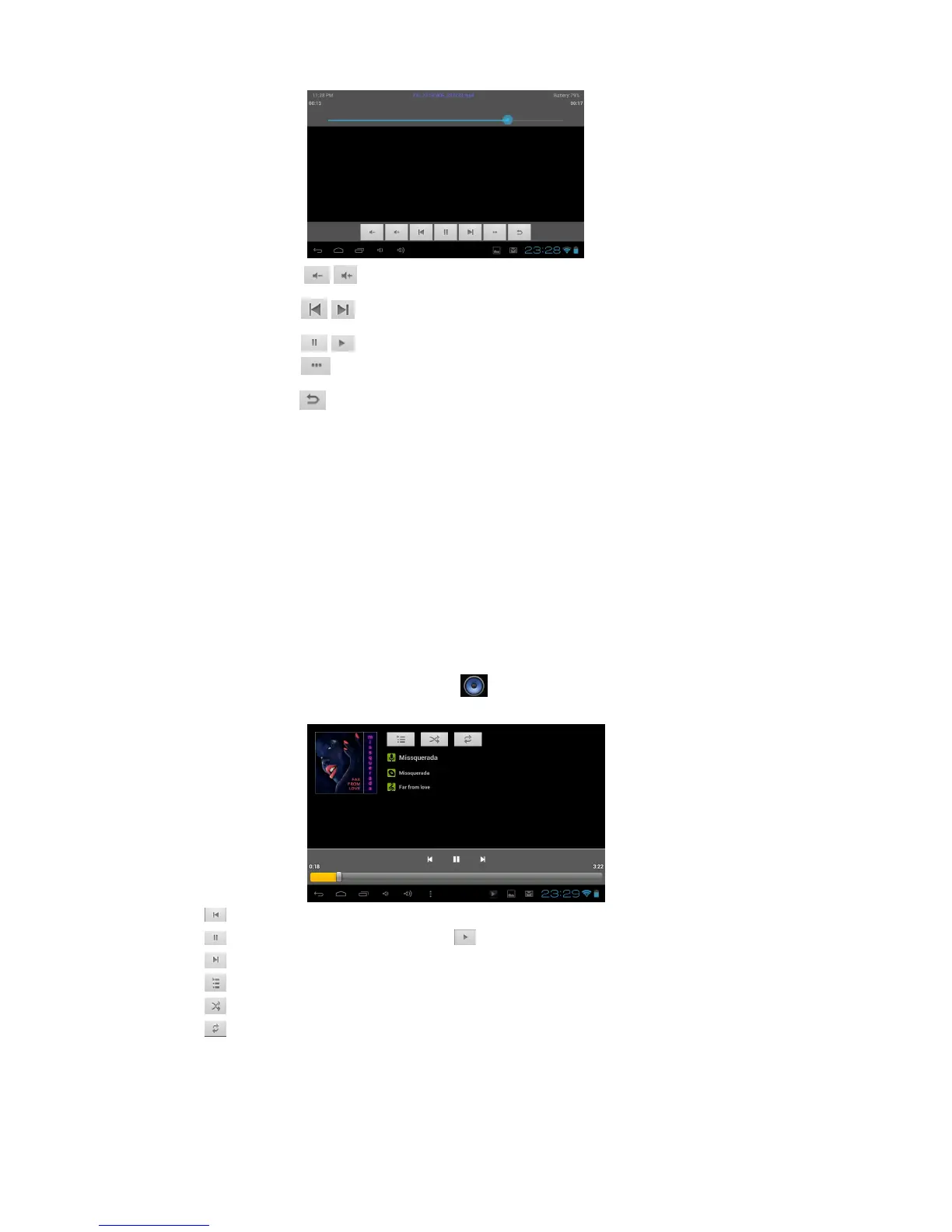
/ :Increase or decrease the volume.
4 / :Skip to the preview or next file.
5 / :Pause or restart playback
6 :Video details checking.
:Exit the current video file
10. Music Player
Learn to listen to your favourite music while on the go.
- Some file formats are not supported depending on the device’s software.
- If a file size exceeds the memory available, an error may occur when you try to open the file.
- Playback quality may vary by content type.
- Some files may not play properly depending on how they are encoded.
Add music files to your device
Start by transferring files to your device or memory card:
- Download from the Internet.
- Download from a computer.
Play music
1. In the application list, select Music Player .
2. Select a music category to open the music player screen.
- Click to play the preview music, long press to fast reverse.
- Click to pause the music, icon turn to , press it and back to the normal music playing.
- Click to play the next music, long press to fast forward.
- Click to display the present playing list.
- Click
to select the random playing mode.
- Click to select the repeat playing mode.
11. File Manager
Learn to access various types of files saved in your device.
- Some file formats are not supported depending on the device’s software.



 To Next Page