15
15. About tablet
View information about your device, such as model number and version.
Connecting the Tablet with a computer
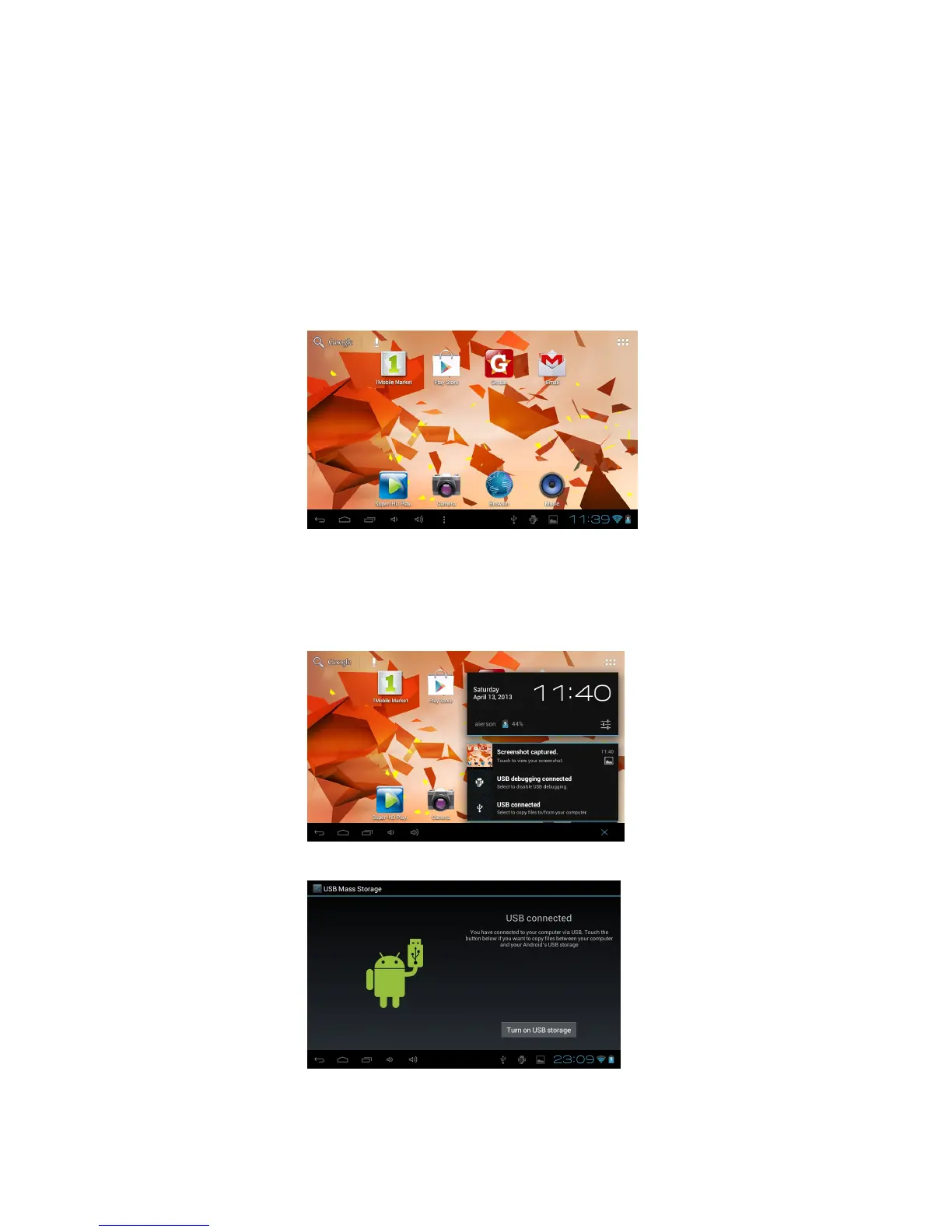
Connect the device to the PC with the supplied USB cable. Ensure the device is turned ON
and unlocked. On the main desktop touch the right side of the status bar on the bottom of
the desktop.
On the pop up screen touch “USB connected” to open the USB Mass Storage window and touch “Turn
on USB storage” to mount the tablet. The device will be recognized in Windows Explorer of the PC and
can be used as an external storage device.
After you have finished transferring files press “Turn off USB storage” to un-mount it.
How to install Applications (.apk file) into the device
Method 1.



 To Next Page