18
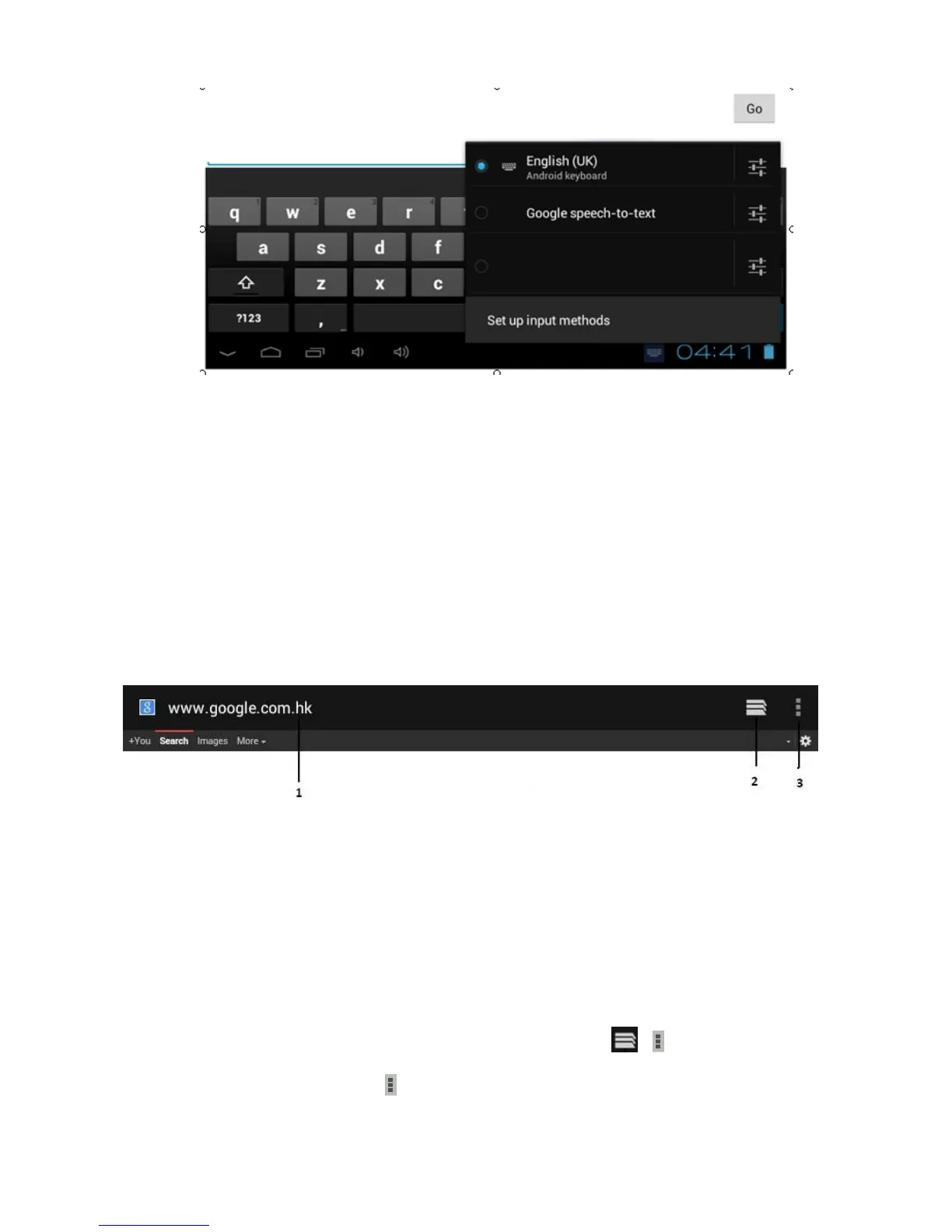
Select the installed keyboard, then the keyboard will appear with your desired language you installed.
Main Menu
1. Browser
You may incur additional charges for accessing the Internet and downloading media files. For
details, contact your service provider.
Browse a webpage
1. In the application list, select Browser.
2. To access a specific webpage, select the URL field, enter the web address, and then select Go.
3. Navigate web pages with the following keys:
Function
1 1. Enter a web address or a keyword.
2 2. View your bookmarks, saved pages, and recent Internet history
3 3. Access web browser options.
4
While browsing a webpage, access the following options:
- To zoom in or out, place two fingers on the screen and slowly spread them apart or pinch them
together. To return to the original size, double-tap the screen.
- To open a new window without saving your browsing data, select → New incognito tab.
- To refresh the current webpage → Refresh.



 To Next Page