12
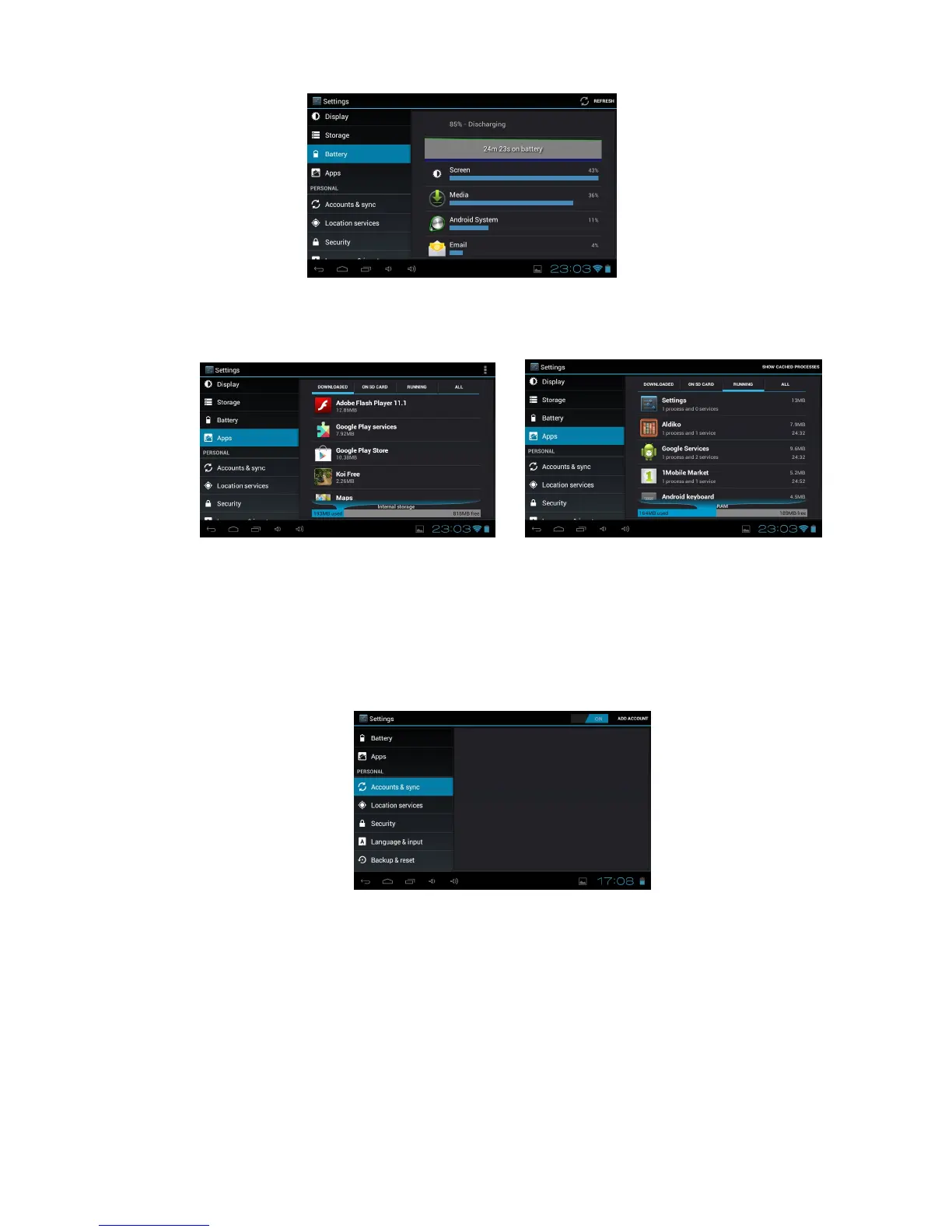
6. Apps
View and manage the applications on your device.
View and control the currently running processes and services.
7. Account & sync
Used to Create and manage your email and Gmail accounts. After connecting to the Wi-Fi
network, the e-mailing system synchronizes your account with the device. Emails are
automatically downloaded into the device.
To set up your Accounts touch ADD ACCOUNT on the top right of the Home Screen, select the
account type and follow the prompts to enter your account details and complete the set up.
8. Location services
Change the settings for location services.
Google’s location service: Set to use Wi-Fi and/or mobile networks for finding your location.
Location and Google search: Set the device to use your current location
9. Security
Change the settings for securing your device.
Screen lock: Protect your device from unauthorized use by creating a personal screen unlock
pattern.
Owner Info: Show owner info on lock screen, type text to display on the lock screen.
Make passwords visible: Set to show your passwords as you enter them.



 To Next Page