23
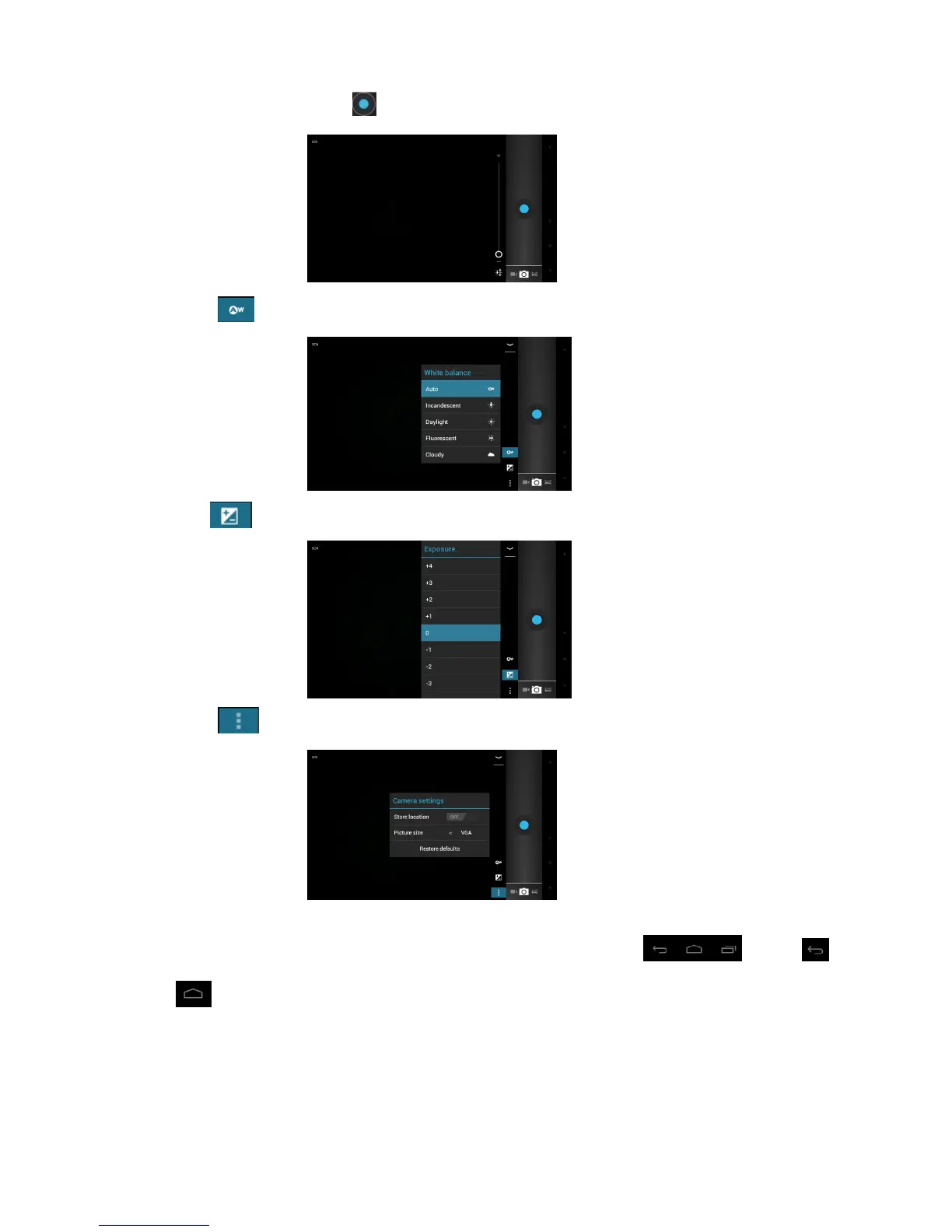
5. Click the camera shutter to take photos.
6. Press icon and set the White balance for the camera
7. Press icon and set the Exposure for the camera.
8. Press icon to adjust the camera setting
How to Exit the Camera?
Touch the right down corner on the screen, it will pop-up the function bar ,press
or icon to exit the camera.



 To Next Page