H
ARDWARE
D
ESCRIPTION
2-3
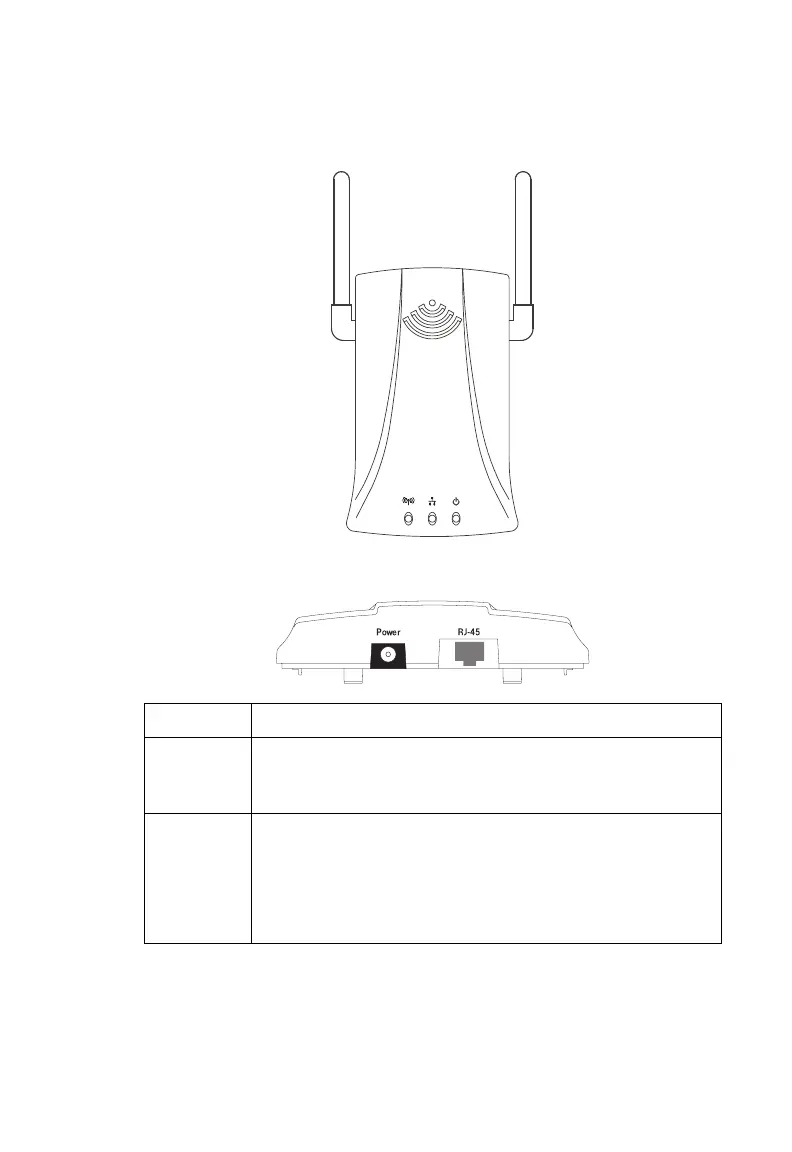
Aerial View
Rear View
Item Description
Power Inlet Connect the included power adapter to this inlet.
Warning: Using the wrong type of power adapter may damage
your adapter.
LAN Port Fast Ethernet port (RJ-45). Connect device (such as a PC, hub or
switch) on your local area network to this port.
This RJ-45 port can auto-negotiate the operating speed to
10/100 Mbps, the mode to half/full duplex, and the pin signals
to MDI/MDI-X (i.e., allowing these ports to be connected to
any network device with straight-through cable).
8mm
8mm
speed
touch



 To Next Page