C
ONFIGURING
THE
S
PEED
T
OUCH
180
3-26
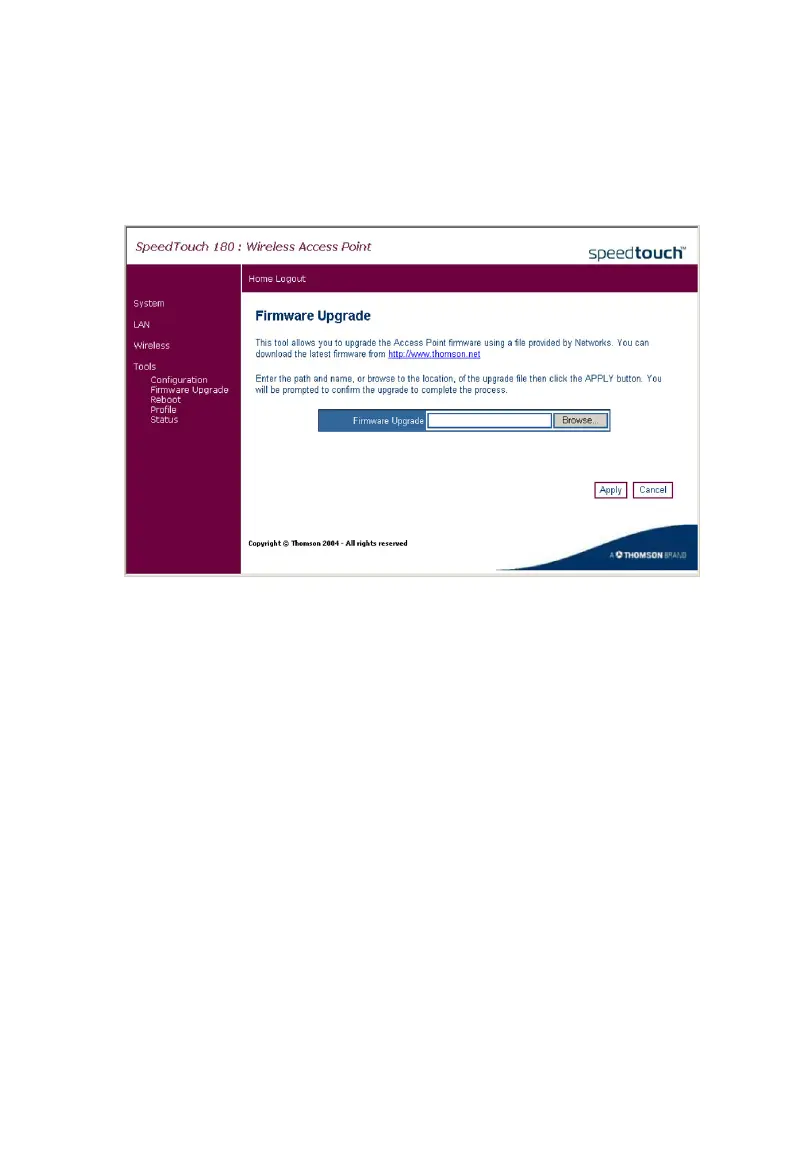
Firmware Upgrade
The Firmware Upgrade page allows the user to upgrade the firmware
using the web management tools.
Firstly, save the new code locally on your hard drive. Then, on the
Firmware Upgrade page, click Browse... to locate the firmware. After
locating the code, click OK to begin the download. The SpeedTouch 180
will automatically reboot after the firmware has been downloaded, and the
user will be asked to log in again. The firmware version displays on the
Status page, for example, 1.00.00.



 To Next Page