S
YSTEM
3-5
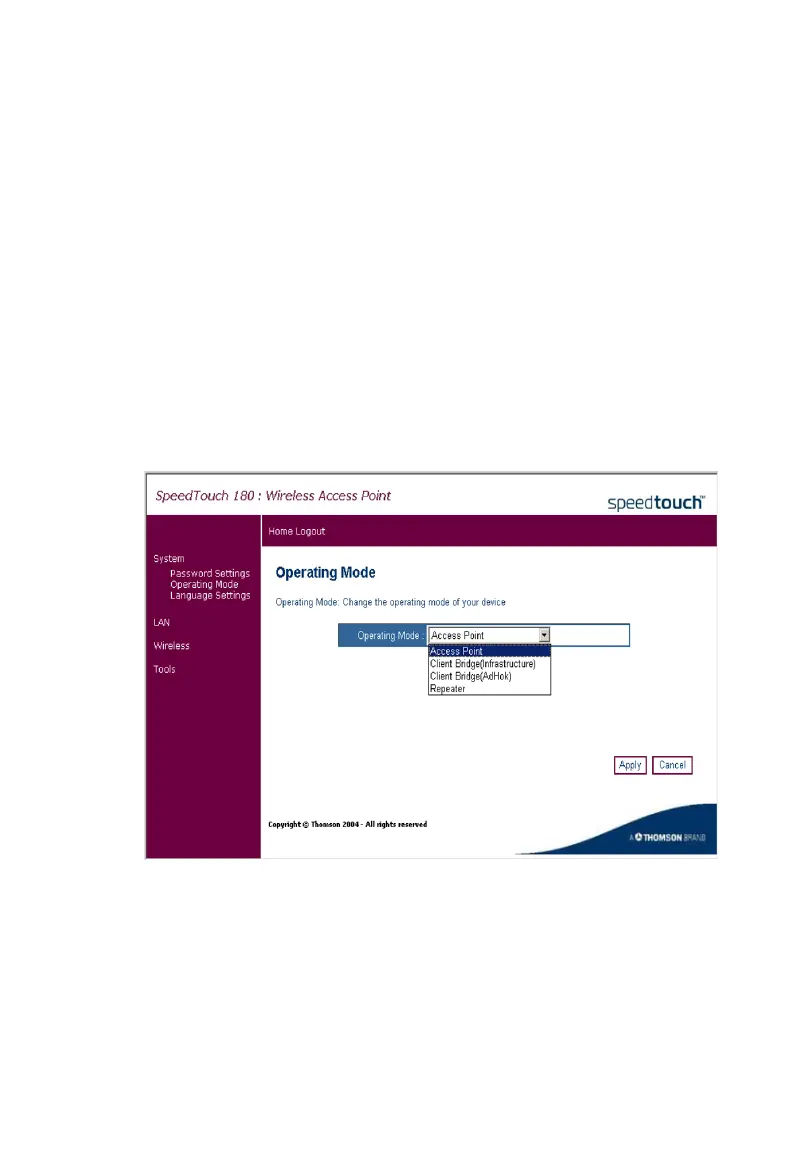
Operating Mode
The SpeedTouch 180 functions in four different modes:
Access Point - provides simple, wireless access to the Internet
Client Bridge (Infrastructure) - enables a wireless infrastructure
connection to a wired ethernet device
Client Bridge (AdHoc) - enables a wireless ad hoc connection to a wired
ethernet device
Repeater - extends the range of your network
Click System, Operating Mode, and choose the desired mode.
Choose the required mode from the drop-down menu. Highlight the
selected mode and click Apply. The device will reboot and ask the user to
log in again. After mode selection, the configuration settings will vary
depending on which mode you are in.



 To Next Page