C
ONFIGURING
THE
S
PEED
T
OUCH
180
3-12
WEP Configuration
Access Point Mode
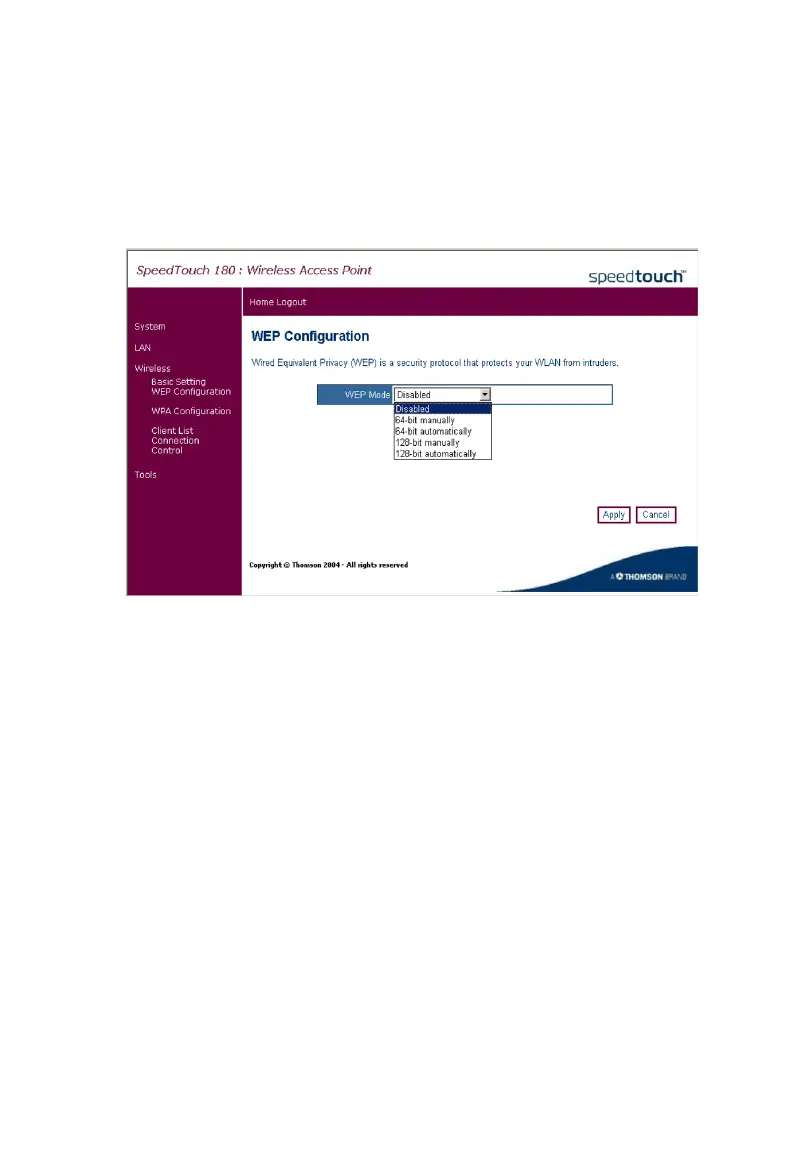
Click on Wireless, WEP Configuration to configure your WEP parameters.
Wired Equivalent Privacy (WEP) is implemented on this device to prevent
unauthorized access to your wireless network. For network devices that do
not support WPA, it is recommended that you use WEP to protect your
network. If WEP is in use, all clients on the network must use the same
WEP key settings in order to communicate with each other. The device
supports key lengths of the standard 64-bit and industry standard 128-bit.
The bit key can be in alphanumeric characters or hexadecimal numerals
(0~9, A~F, e.g., D7 0A 9C 7F E5). (Default: Disabled)



 To Next Page