R
EPEATER
C
ONFIGURATION
3-21
Repeater Configuration
Repeater Mode
Using the device as a Repeater, you can extend the range of your network.
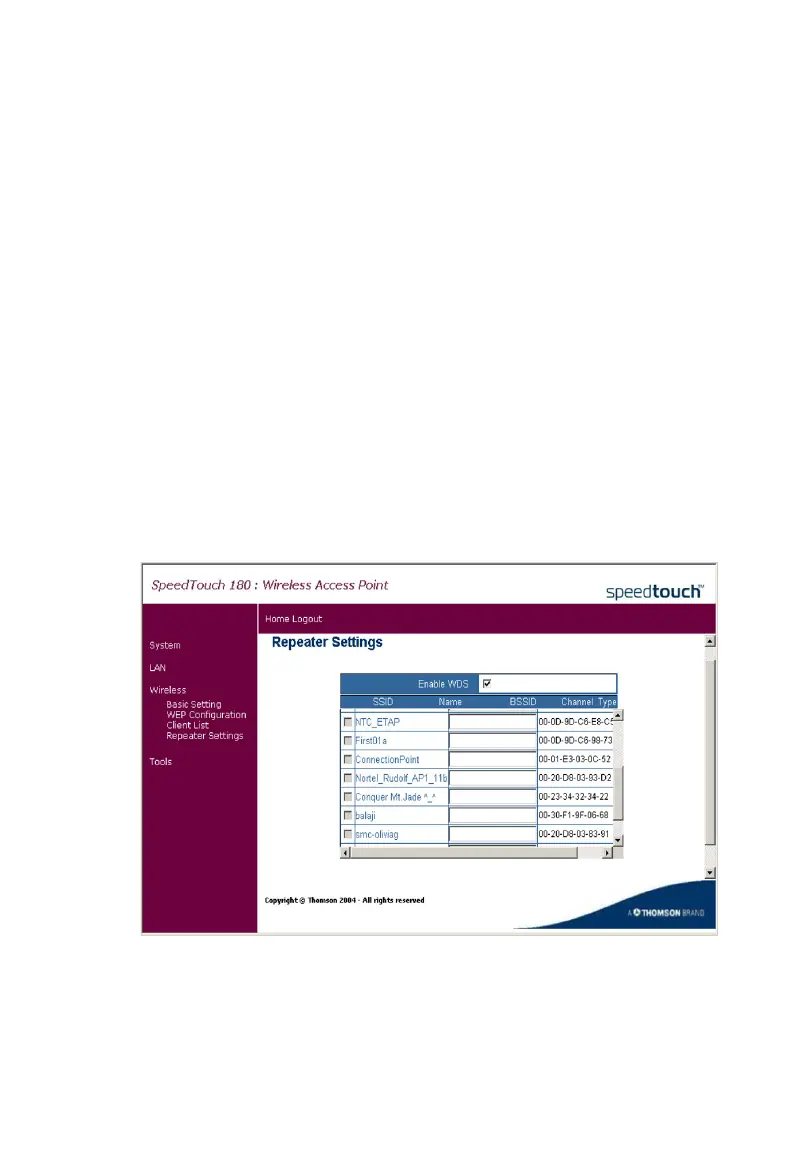
In Repeater mode, the SpeedTouch 180 uses Wireless Distribution System
(WDS) to extend the coverage of your wireless network. The following
illustration depicts two WDS-enabled devices communicating via WDS.
The user must check the box corresponding to the source device (the 11g
WDS-enabled device in the sketch) in the configuration table of the
repeater (the SpeedTouch 180 in the sketch), in order for the two devices
to communicate.
This page configures the Repeater Settings. Use the Repeater mode to
serve client devices that do not require high throughput. Repeaters extend
the coverage area of your wireless LAN, but they drastically reduce
throughput.



 To Next Page