C
ONFIGURING
THE
S
PEED
T
OUCH
180
3-22
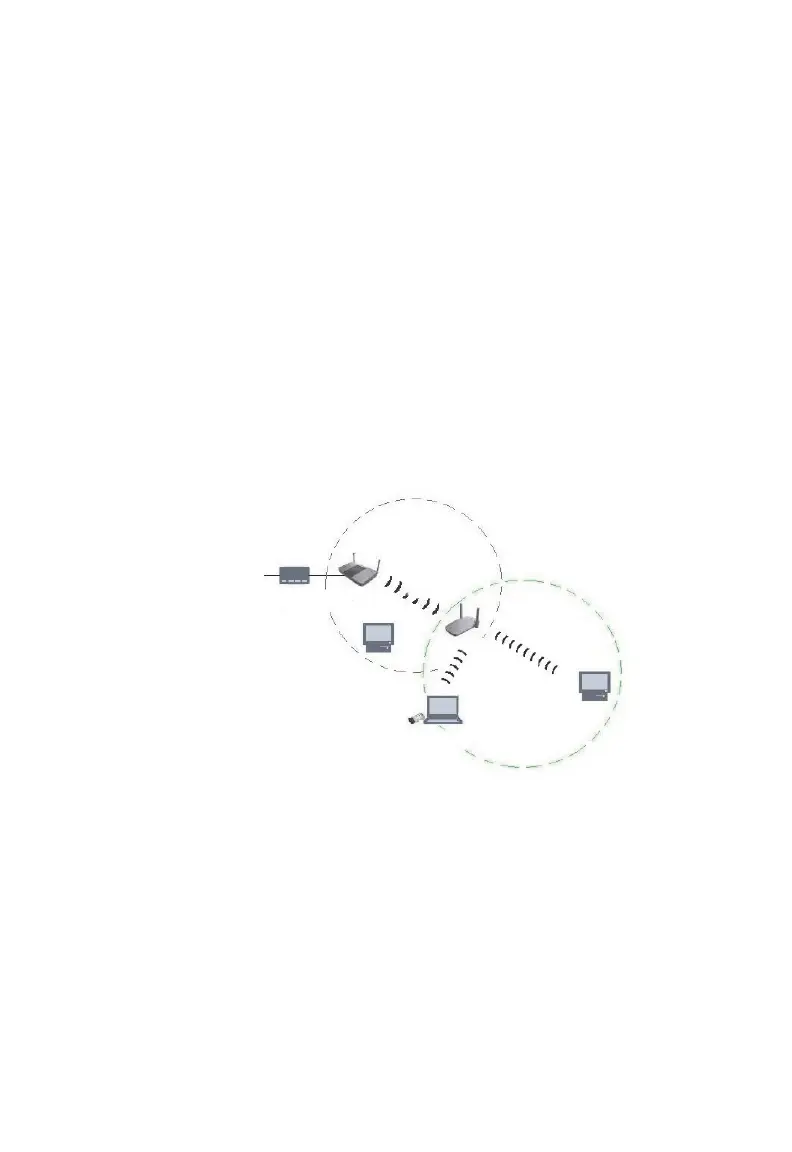
In Repeater mode, the SpeedTouch 180 sends out a signal to check for
other devices on the network. Check the box to enable WDS. Click
Refresh to display all available devices. The above table allows you to
configure the Repeater to repeat the signal of another device. Check the
box corresponding to the device that you want to connect to. Enter a name
that is easy to remember if required, and click Apply. The SpeedTouch 180
can support up to a maximum of four devices in this mode. The user will
receive an error message if this number is exceeded.
Note:
Ensure that both the source and repeating devices are using the same
channel. The check box becomes available only when the channel of
the SpeedTouch 180 and the source is the same. To change the
channel, go to the Basic Setting screen in the Wireless section.
11g WDS-enabled Device (Source)
WDS Link
SpeedTouch 180 (Repeater)
ADSL Modem



 To Next Page