C
ONFIGURING
THE
S
PEED
T
OUCH
180
3-8
LAN
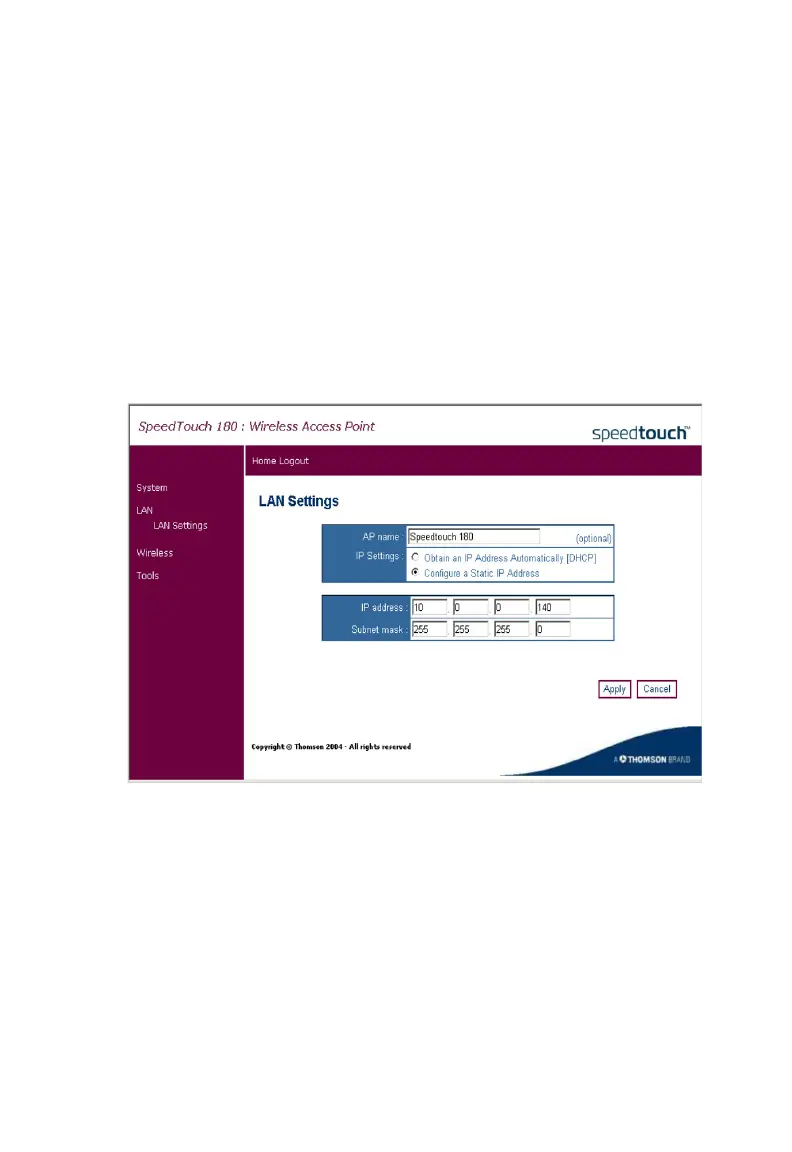
You can configure the LAN settings from here.
LAN Settings
Access Point Mode
Use the LAN Settings page to configure the LAN IP address. In Access
Point Mode, you may choose to use a static address or to enable the
DHCP server for dynamic client address allocation.
The device will automatically start up with its default static IP address,
10.0.0.140. DNS (Domain Name Servers) map numerical IP addresses to
the equivalent domain name (e.g., www.somesite.com). Your ISP should
provide the IP address of one or more domain name servers.



 To Next Page