C
ONFIGURING
THE
S
PEED
T
OUCH
180
3-2
Using the Management Interface
The following items on the menu may be configured: System, LAN,
Wireless, and Tools. To apply configuration changes, click Apply, and if
you want to clear your setting changes, click Cancel. If you wish to view the
previous screen, press Back.
Note: To ensure proper screen refresh after a command entry, be sure
that Internet Explorer 5.5, or above, is configured as follows:
Under the menu Tools/Internet Options/General/Temporary
Internet Files/Settings, the setting for “Check for newer versions
of stored pages” should be “Every visit to the page.”
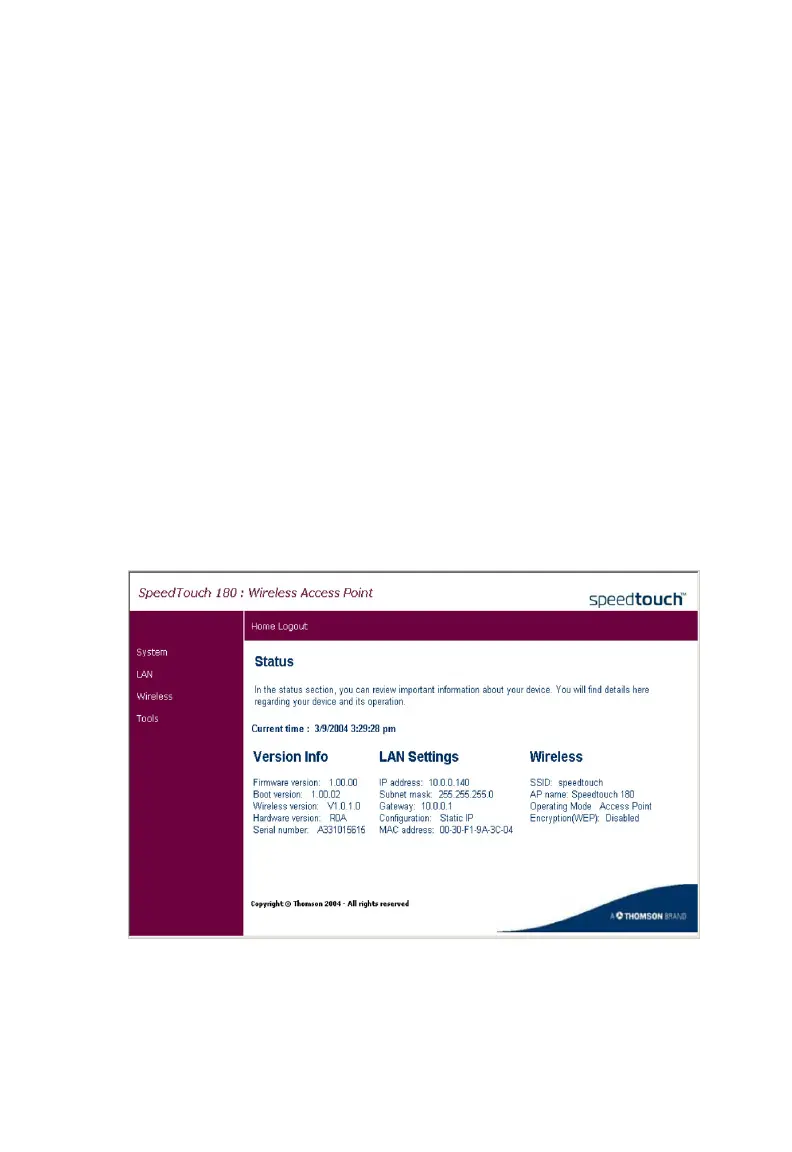
Status
This is the SpeedTouch 180’s management interface menu homepage.



 To Next Page