C
ONFIGURING
THE
S
PEED
T
OUCH
180
3-10
See the table below for a list of the LAN features supported.
Wireless
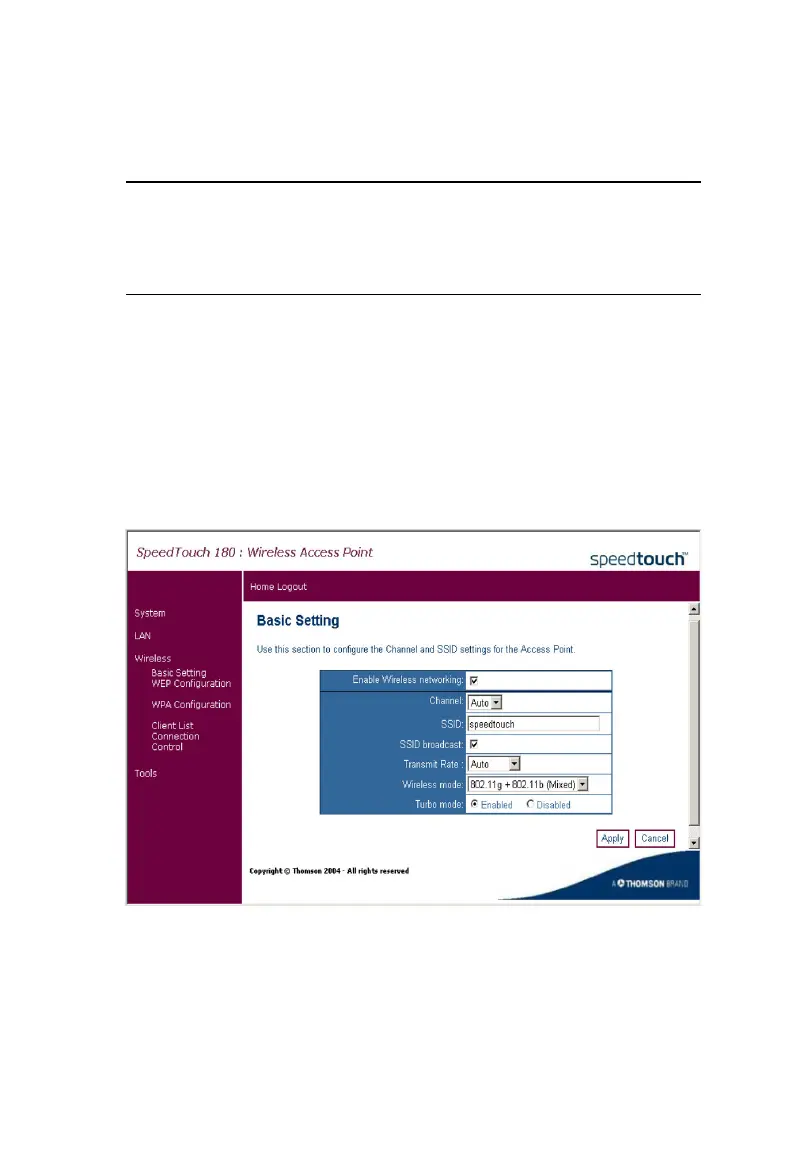
Basic Setting
Access Point Mode
Click on Wireless, Basic Setting to set the channel, Service Set ID (SSID),
and transmit speed for your wireless network.
Parameter Description
AP name Name of the access point. (This naming feature is optional.)
IP address The IP address of the SpeedTouch 180.
Subnet mask The subnet mask of the network.



 To Next Page