3-1
C
HAPTER
3
C
ONFIGURING
THE
S
PEED
T
OUCH
180
This chapter describes how to configure your SpeedTouch 180. For the
initial connection to the Internet, you firstly need to configure the
SpeedTouch 180. The SpeedTouch 180 can be configured by a web
browser, which is Internet Explorer 5.5 or above.
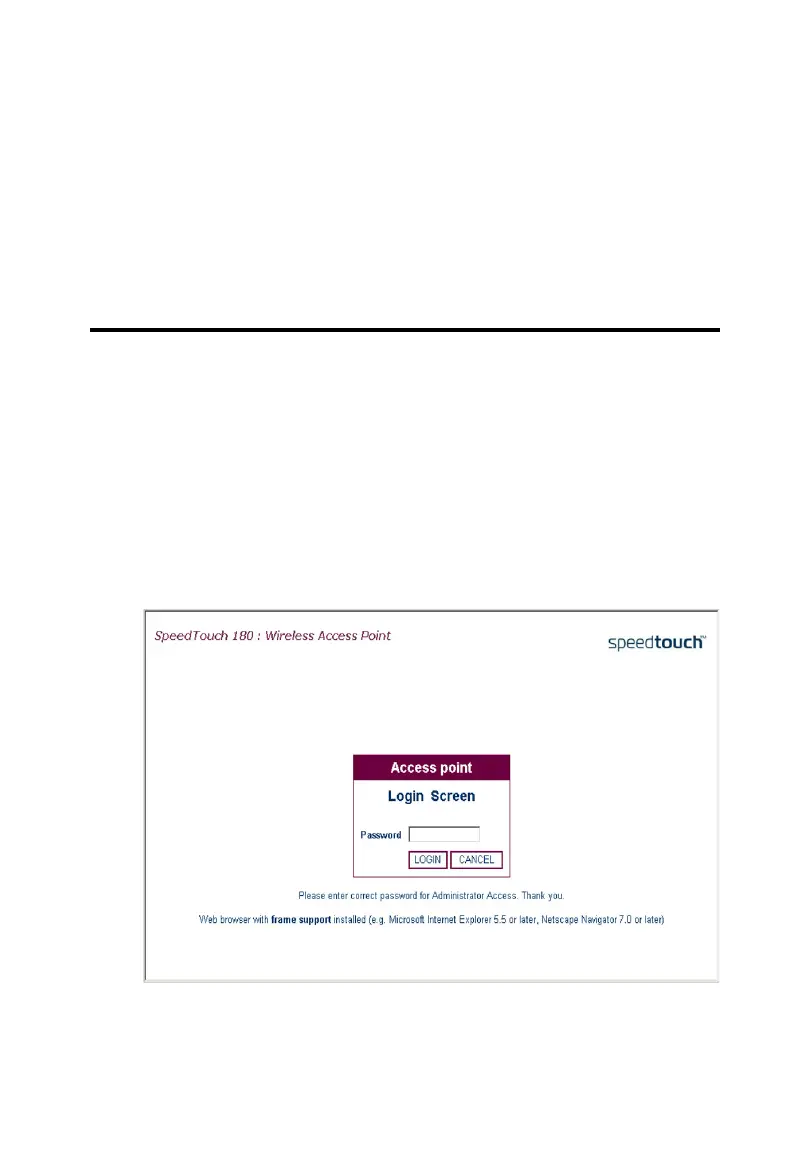
To access the SpeedTouch 180’s management interface, enter the default
IP address into your web browser: http://10.0.0.140. The default IP
address is a static IP address. Enter the default password (admin), and click
LOGIN to access the management interface.



 To Next Page