18
4.6 OSX Lion/Mountain Lion
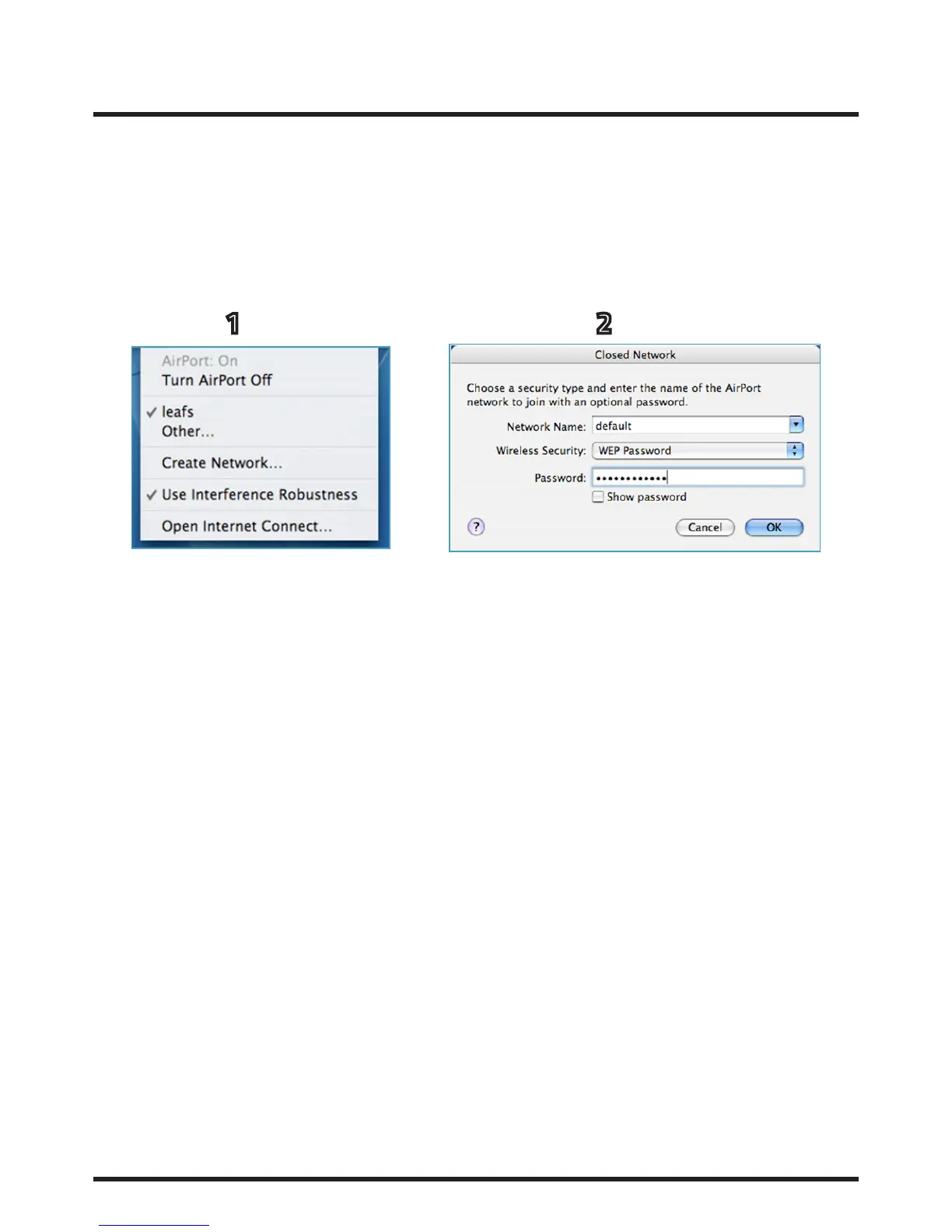
1. Click on the AirPort icon in your menu bar and you will be presented with a list of visible wireless networks.
Select the correct Network you wish to join.
2. If the network requires a password, you will be promoted to enter it here. If it doesn’t. you should be
automatically connected.
1 2
4. Connecting to wireless networks continued...














 To Next Page