EasyManua.ls Logo

THOMSON SpeedTouch 605 - User Manual

THOMSON SpeedTouch 605
212 pages
Print Icon
To Next Page IconTo Next Page
Loading...
SpeedTouch™608WL and
SpeedTouch™620 only
SpeedTouch™
605/608/608 WL/620
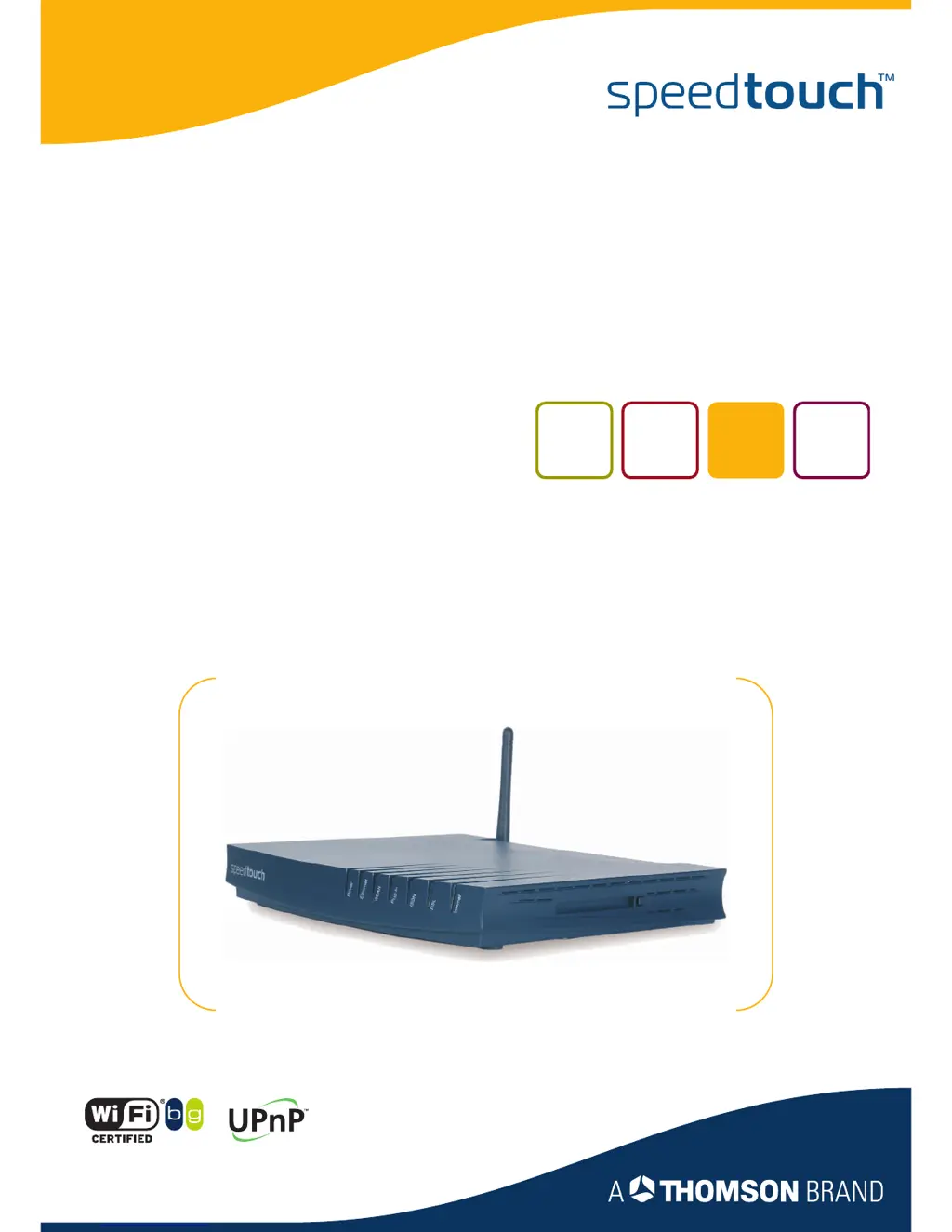
(Wireless) Business DSL Routers
User’s Guide
Release R5.3.1

Table of Contents

Questions and Answers

  • R
    Ronald ReevesJul 29, 2025
    What to do if there is no wireless connectivity on THOMSON Network Router SpeedTouch™?
    • T
      tonyadamsJul 30, 2025
      Ensure that both your wireless client adapter and the SpeedTouch™ are configured to connect through wireless channels as defined for your local regulatory domain. Verify that your WLAN client is configured with the correct wireless settings, including SSID and security settings. Check the signal strength; if it's low, try repositioning the SpeedTouch™ or adjusting its antenna for better performance. Finally, confirm that the wireless client adapter is enabled, indicated by a message like 'radio on'.
  • S
    Sarah NguyenAug 3, 2025
    How to fix poor wireless connectivity or reach on THOMSON SpeedTouch 605 Network Router SpeedTouch™?
    • L
      Lisa FergusonAug 4, 2025
      Try selecting automatic channel selection or manually choose a radio channel that doesn't interfere with others. Confirm that both the WLAN client adapter and the SpeedTouch™ are set to connect through wireless channels appropriate for your region. Also, consider the physical placement of the SpeedTouch™ within the building. Finally, check the signal strength; if it's low, try repositioning the SpeedTouch™ or adjusting the antenna.
  • R
    Robert JohnstonAug 9, 2025
    What to do if I am not able to connect wireless clients to THOMSON SpeedTouch 605?
    • A
      Amber PowellAug 9, 2025
      If registration is enabled, press the 'Association' button to register the wireless client or search for wireless devices via the embedded Web pages. Also, make sure the SpeedTouch™ Association Control List is not locked by checking the Web pages, and ensure that 'New stations are not allowed' is NOT selected in the Wireless Access Point settings.
  • Q
    qpotterAug 13, 2025
    What to do if I get error messages while upgrading my THOMSON SpeedTouch 605 SpeedTouch™ via the Web pages?
    • T
      Tammy KimAug 14, 2025
      If you encounter error messages during the upgrade process, such as the file not existing or an internal error occurring, try again later. If the problem persists, contact your help desk.
  • M
    Michael FernandezAug 19, 2025
    Why my THOMSON Network Router SpeedTouch™ does not work?
    • M
      Mark StanleySep 12, 2025
      First, ensure the SpeedTouch™ is plugged into a working power socket and that you're using the correct power supply. Then, verify the SpeedTouch™ is turned on using the rocker switch on the back panel. Also, ensure the SpeedTouch™ is properly installed and configured as per the Installation and Setup Guide or your Service Provider's instructions. As an additional step, consider performing a hardware reset to factory defaults.
  • R
    Ralph JacksonAug 25, 2025
    Why LAN LED does not light up on THOMSON Network Router?
    • B
      Brian JacksonAug 25, 2025
      Ensure the LAN cable is securely connected to the 10/100Base-T port. Also, verify that you are using the correct cable type for your Ethernet equipment, specifically UTP CAT5 with RJ-45 connectors.

Summary

Your SpeedTouch

SpeedTouch Features

Details the hardware and software specifications of the SpeedTouch device.

Local Network Setup

Wireless Security Settings

Explains how to secure the wireless network using SSID, ACL, and data encryption.

Internet Connectivity Dial-In Clients

Basic Configuration

SpeedTouch Device Configuration

Covers device information, easy setup, restart, configuration, backup, and reset options.

Expert Configuration

SpeedTouch Device Management

Covers easy setup, system information, connections, diagnostics, syslog, and updates.

Firewall Policy and Logging

Covers firewall levels, policy creation, UDP tracking, and log message viewing.

Software Upgrade

Embedded Update Page for Upgrades

Describes upgrading SpeedTouch firmware via a remote server or PC.

Upgrade Wizard via Setup CD

Provides instructions for upgrading SpeedTouch using the Setup CD wizard.

Troubleshooting

General SpeedTouch Troubleshooting

Covers common issues like device not working, unreachability, or poor performance.

Reset to Factory Defaults

Guides on performing hardware and software resets to factory default settings.

THOMSON SpeedTouch 605 Specifications

General IconGeneral
ModelSpeedTouch 605
Connectivity TechnologyWired, Wireless
WAN Ports1
LAN Ports4
Wireless Speed54 Mbps
SecurityWEP, WPA, WPA2
Data Link ProtocolEthernet
Frequency Band2.4 GHz
WirelessYes
Wireless Standard802.11b/g
FeaturesFirewall
Compliant StandardsIEEE 802.3, IEEE 802.11b/g
DSL StandardsADSL, ADSL2
Device TypeDSL Modem Router

Related product manuals