Chapter 5
Expert Configuration
E-DOC-CTC-20050429-0104 v1.0
119
5.2.9 SLA
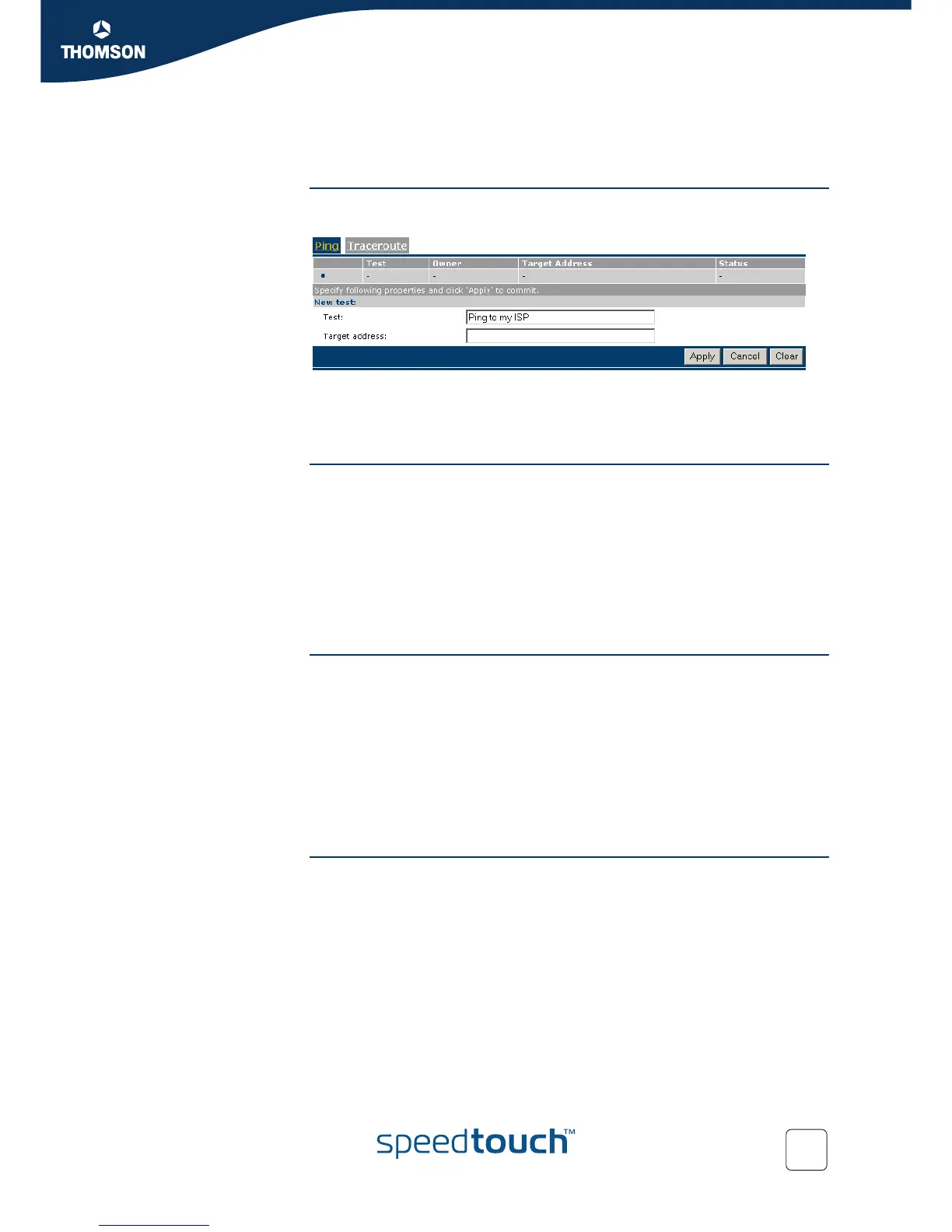
Overview The Service Level Agreement (SLA) page allows you to view and configure ping
and traceroute tests.
The page contains two sections:
Select Ping to view/configure and perform ping tests.
Select Traceroute to view/configure and perform traceroute tests.
Ping The Ping table provides a list of configured ping test entries.
By default no ping tests are configured. To add a ping test see Add/delete a ping
test.
Select a ping test entry to:
Modify ping test properties.
Perform a ping test and view test results and history (see Ping tests and
results).
Delete the entry (see Add/delete a ping test).
Add/delete a ping test To add a ping test entry:
1 Click New (if an entry is currently selected, click Cancel first).
2 Type a name for the ping test entry.
3 Type the host name or IP address of the target to ping.
4 Click Apply.
To delete a ping test:
1 Select the ping test entry to delete.
2 Click Delete.
Modify ping test
properties
To modify a ping test entry:
1 Select the ping test entry.
2 Click Modify.
3 Make your changes.
4 Click Apply to apply your changes to the ping test entry.



 To Next Page